5 Best Document360 Alternatives 2026: Features and Pricing Compared
Document360 has long been recognized as a robust knowledge base software designed to help teams create, manage, and deliver effective documentation.
Its strengths lie in providing a centralized knowledge base solution with version control, customizable templates, and a user-friendly interface.
However, despite these advantages, many users are seeking alternatives due to concerns about pricing, limited AI-powered search capabilities, and occasional challenges with collaboration features.
Growing teams and small teams alike are looking for more cost-effective, versatile, and AI-enhanced tools to better support their internal knowledge sharing and self-service support needs.
In this article, we will explore the 5 best Document360 alternatives that combine powerful search functionality, knowledge management features, and seamless team collaboration.
Whether you are looking for AI sidekick integration, version history tracking, or enhanced support for technical documentation, these platforms offer compelling options to bring knowledge to your internal teams and customers more efficiently.
TL;DR
The best Document360 alternatives for 2026 are InstantDocs, HelpKit, Helpjuice, Nuclino, and Bloomfire.
Best Overall: InstantDocs stands out as the top alternative. Its AI Recorder automates help document creation from screen recordings, while its Knowledge Gap feature analyzes support tickets to find and fill documentation holes. It also offers a generous free plan.
Best for Notion Users: HelpKit is the ideal choice for teams already using Notion. It seamlessly syncs Notion pages into a fully functional, branded help center.
Best for Large, Global Teams: Helpjuice is built to scale, offering powerful AI search, unlimited articles, and AI translation for over 300 languages.
Best for Internal Wikis: Nuclino provides a simple, unified workspace that combines internal docs, project management (with Kanban and graph views), and an AI "Sidekick" for content creation.
Best for Enterprise: Bloomfire excels at indexing all content types, including videos and PDFs. Its powerful AI search and strong security make it suitable for large organizations with diverse knowledge assets.
Book a FREE demo to see why InstantDocs is the best Document360 alternative!
Alternative #1: InstantDocs – The Best Document360 Alternative
InstantDocs is the best Document360 alternative. It is an AI-powered knowledge base software designed to help teams create, maintain, and update help documentation quickly and automatically.
It addresses common challenges faced with traditional documentation, such as;
- Time-consuming manual writing
- The hassle of creating videos
- Keeping articles up-to-date after product changes
- The loss of valuable knowledge from resolved support tickets not being added to the docs.
Pricing
| Plan | Key Details | Price (approx.) |
|---|---|---|
| Free | 1 knowledge base, up to 50 articles, 2 editors | $0 |
| Pro | Unlimited KBs, articles & editors; AI Recorder & Knowledge-Gap Finder | $79/mo (launch special) |
| Enterprise | SSO, advanced security, dedicated support | Quote-based |
Key Features
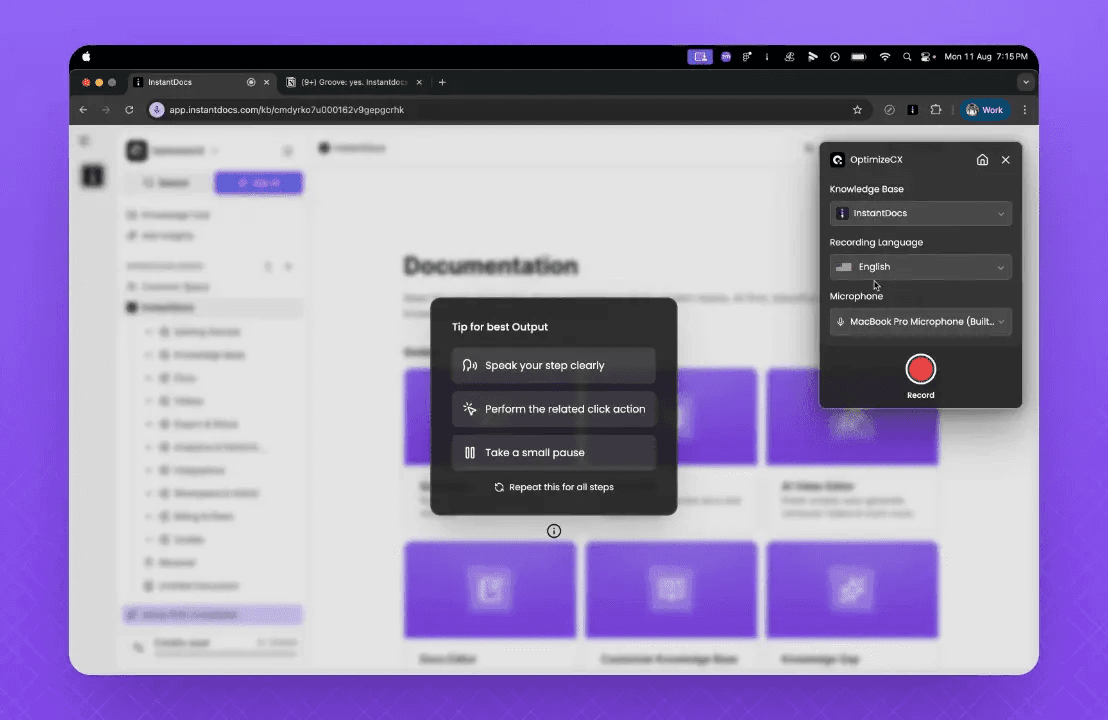
AI Recorder
A Chrome extension that lets you record walkthrough videos of any product process.
After recording, it automatically generates a full help document from the video by;
- Extracting snapshots/screenshots
- Writing and enhancing the transcript
- Creating step-by-step instructions
- Adding studio-quality voiceovers that replace the original audio
- Syncing voiceover with video for a polished, professional output.
Video Editor
A built-in video editor that allows you to edit the generated script, fix syncing issues, replace intro/outro templates, add on-screen elements, and change backgrounds.
This produces visually engaging help videos integrated directly inside the documentation.
Notion-like Editor & Knowledge Base
Docs are editable like Notion pages with drag-and-drop blocks and rich text formatting.
You can organize docs into collections and sections, build a central knowledge base with its own customizable landing page, and make the knowledge base visually appealing and branded.
Knowledge Gap
Automatically identifies missing or outdated documentation by analyzing support tickets. It detects two types of gaps: missing docs for recurring support questions and outdated docs that are incorrect or incomplete.
For each gap, it shows related support tickets with summaries and lets you auto-generate new docs or update existing ones. Users only need to review, edit if necessary, then approve and publish.
Future plans include fully auto-generating and publishing missing docs without manual approval.
Integrations
Supports importing knowledge bases from popular tools such as Zendesk, Intercom, Confluence, Notion, Crisp, and Google Docs. Integrations work via OAuth or API token connections to customer support platforms, enabling seamless knowledge base migration and synchronization.
InstantDocs offers a powerful, AI-driven solution for teams seeking to automate and streamline their documentation processes, improve self-service support, and keep internal knowledge bases up-to-date with minimal manual effort.
Pros
- Automates documentation creation, saving support teams valuable time.
- Flexible pricing with a free plan perfect for small teams.
- Seamless integration with favorite tools enhances team collaboration.
Cons
- As a newer platform, some features are still maturing.
- AI Recorder and advanced analytics are only available in paid tiers.
Who It’s For
InstantDocs is ideal for support and product teams looking for AI-powered search and documentation automation to reduce ticket volume and improve self-service support.
Alternative #2: HelpKit
HelpKit is a simple yet effective Document360 alternative that syncs your Notion workspace directly to a public help center.
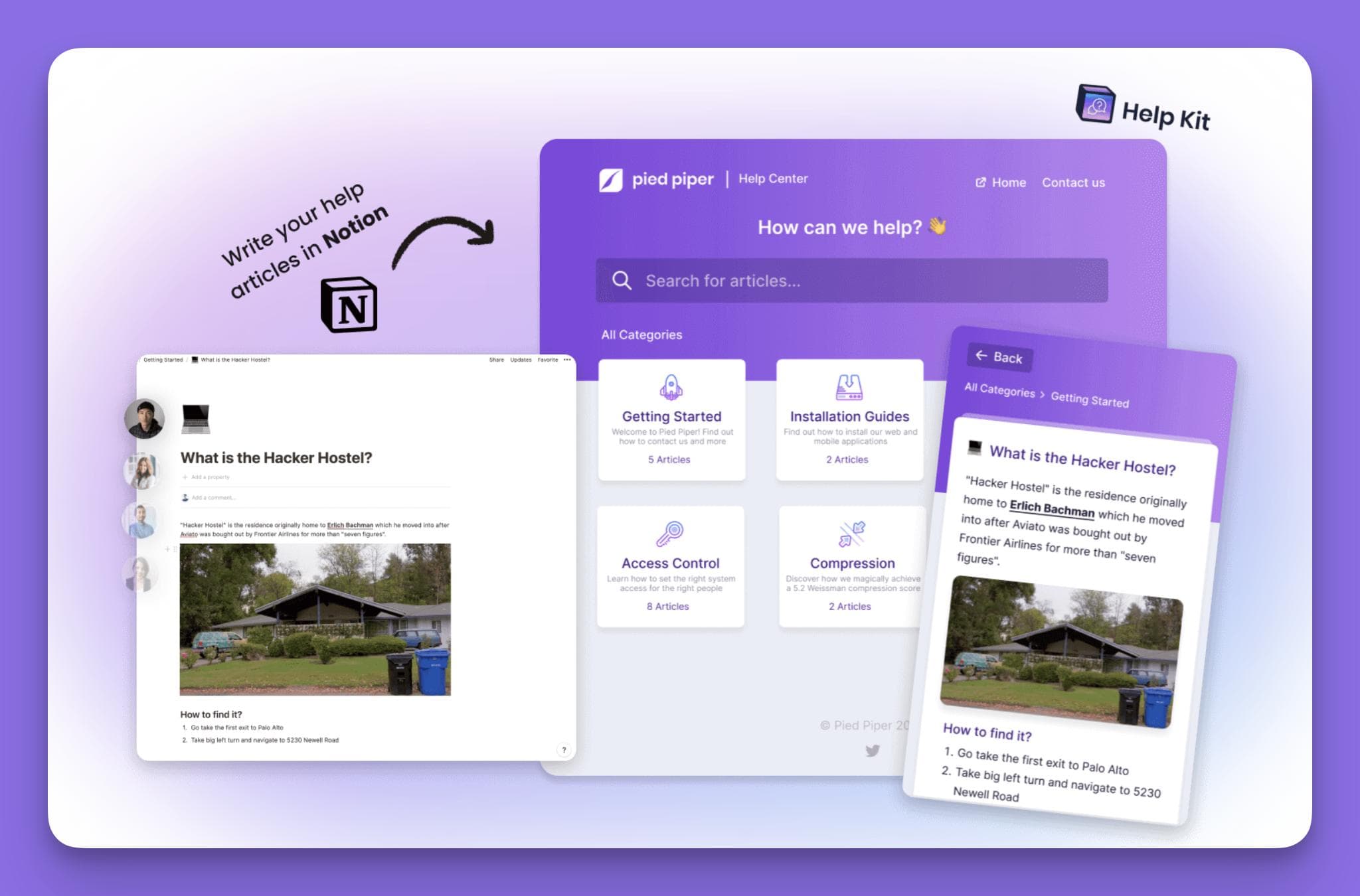
This platform is perfect for teams already invested in Notion who want to publish internal documentation and deliver instant answers without leaving their existing workflow.
Pricing
| Plan | Price (per site/month) | Articles | Languages | Team Seats | Key Features |
|---|---|---|---|---|---|
| Starter | $19 | 25 | 1 | 1 | Custom Domain + SSL, SEO Optimization, Basic Search, Custom Branding, Custom Icons |
| Business | $39 | 100 | 1 | 3 | Everything in Starter, plus: Embeddable Widget, Article Feedback, Full Text Search, Access Protection, Email Contact Form, Custom JavaScript, Custom CSS, Mobile App Mode, Third Party Analytics Integration, Remove 'Powered by' Badge |
| Professional | $99 | 1000 | 2 | 5 | Everything in Business, plus: Analytics Insights, Search Intent Insights, Multi-language & Versions, Auto Sync, Video & Audio Blocks, Autosuggest Articles, Slack Notifications, Contact Integrations, Alias Article Links, Pretty Print Articles, Custom Backend Auth |
*After a 7-day free trial.
Key Features
HelpKit offers real-time sync with Notion pages, full-text search powered by AI search capabilities, article analytics, and an embeddable widget for seamless self-service support. Custom domain and appearance options enable teams to maintain branding consistency across their knowledge bases.
Pros
- Extremely user-friendly interface requiring no coding skills.
- Quick updates and content creation directly from Notion.
- Ideal for small teams and startups seeking cost-effective documentation tools.
Cons
- Limited AI functionality compared to more advanced platforms.
- Lacks workflow automation and decision-tree features.
Who It’s For
HelpKit suits small teams and startups wanting a straightforward internal knowledge base solution built on their existing Notion documentation.
Alternative #3: Helpjuice
Helpjuice is a comprehensive knowledge base software designed to scale with mid-sized to large organizations.
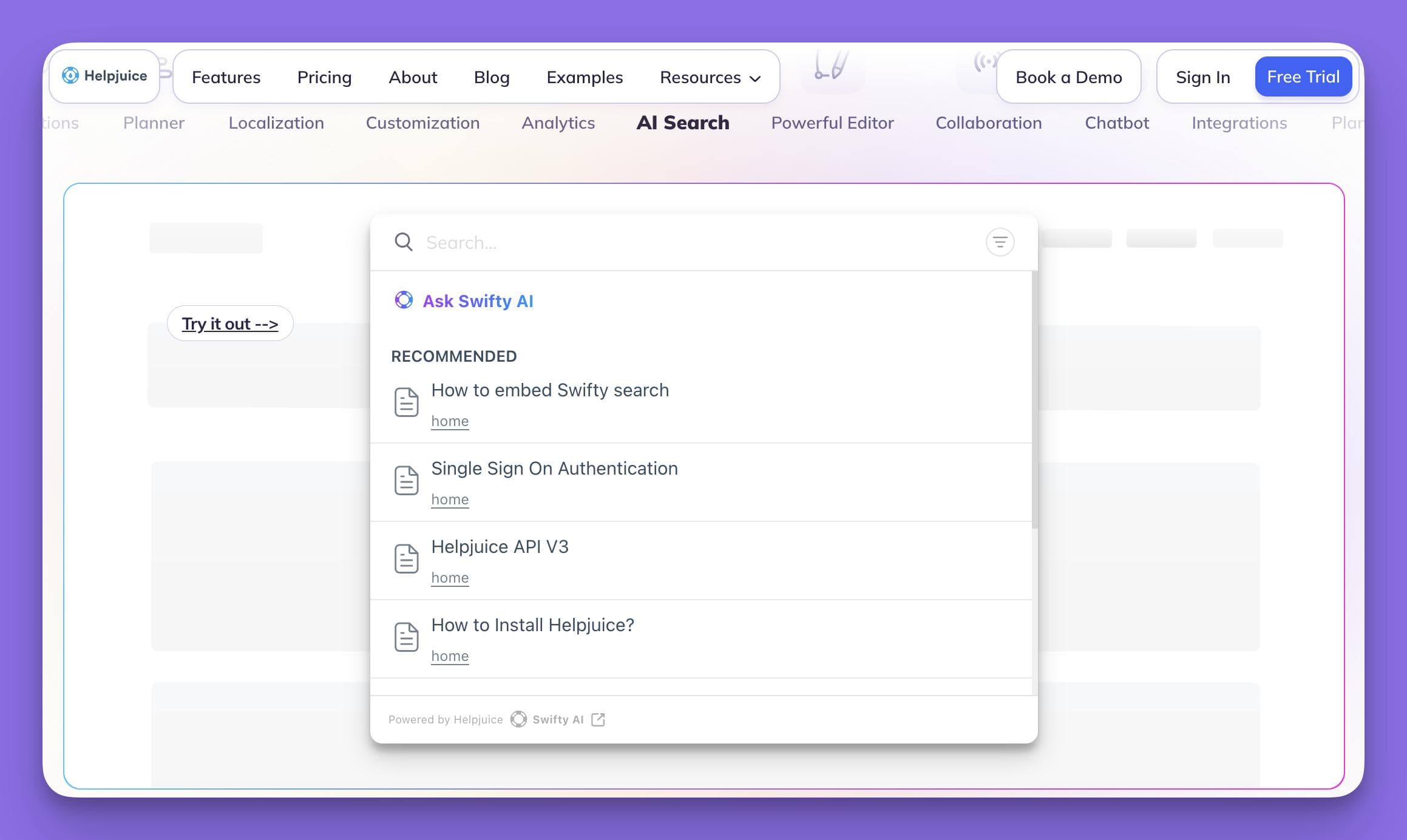
It offers unlimited categories and articles, AI-powered translation across 300+ languages, and a powerful AI search assistant that delivers the most relevant results quickly.
Pricing
| Plan | Price | Users | Storage | Key Features | AI Suite |
|---|---|---|---|---|---|
| Knowledge Base | $249/mo | 30 users | 12 GB | Helpjuice Essential features, Fully Customized, Live Collaboration & Workflows, Localization, AI Article Translation | Not included |
| AI-Knowledge Base | $449/mo | 100 users | 24 GB | Helpjuice Essential features, Fully Customized, Live Collaboration & Workflows, Localization, AI Article Translation, SSO | Included at no additional cost: AI Writer, AI Search, AI Chatbot, Auto-Updating KB Chrome Extension, Step-by-Step Tutorial Builder |
| Unlimited AI-Knowledge Base | $799/mo | Unlimited users | 38 GB | Helpjuice Essential features, Fully Customized, Live Collaboration & Workflows, Localization, AI Article Translation, SSO, Unlimited Customization Credits | Included at no additional cost: AI Writer, AI Search, AI Chatbot, Auto-Updating KB Chrome Extension, Step-by-Step Tutorial Builder |
Key Features
Helpjuice features a rich-text editor with version control and previous versions support, an article planner, glossary, and extensive integrations with Slack, Zendesk, Salesforce, and other tools.
Its Wizardshot tool uses AI to generate tutorials, enhancing content creation and user engagement.
Pros
- Robust analytics and multilingual support for global teams.
- Highly customizable branding and knowledge base structure.
- Scales well for large teams with unlimited readers.
Cons
- Some users report formatting issues when importing Word documents.
- Deep customization might require front-end expertise.
Who It’s For
Helpjuice is perfect for organizations needing a powerful knowledge base solution with advanced AI-powered search and extensive collaboration features.
Alternative #4: Nuclino
Nuclino offers a unified workspace that combines documents, knowledge, and project management within a clean, minimal interface.
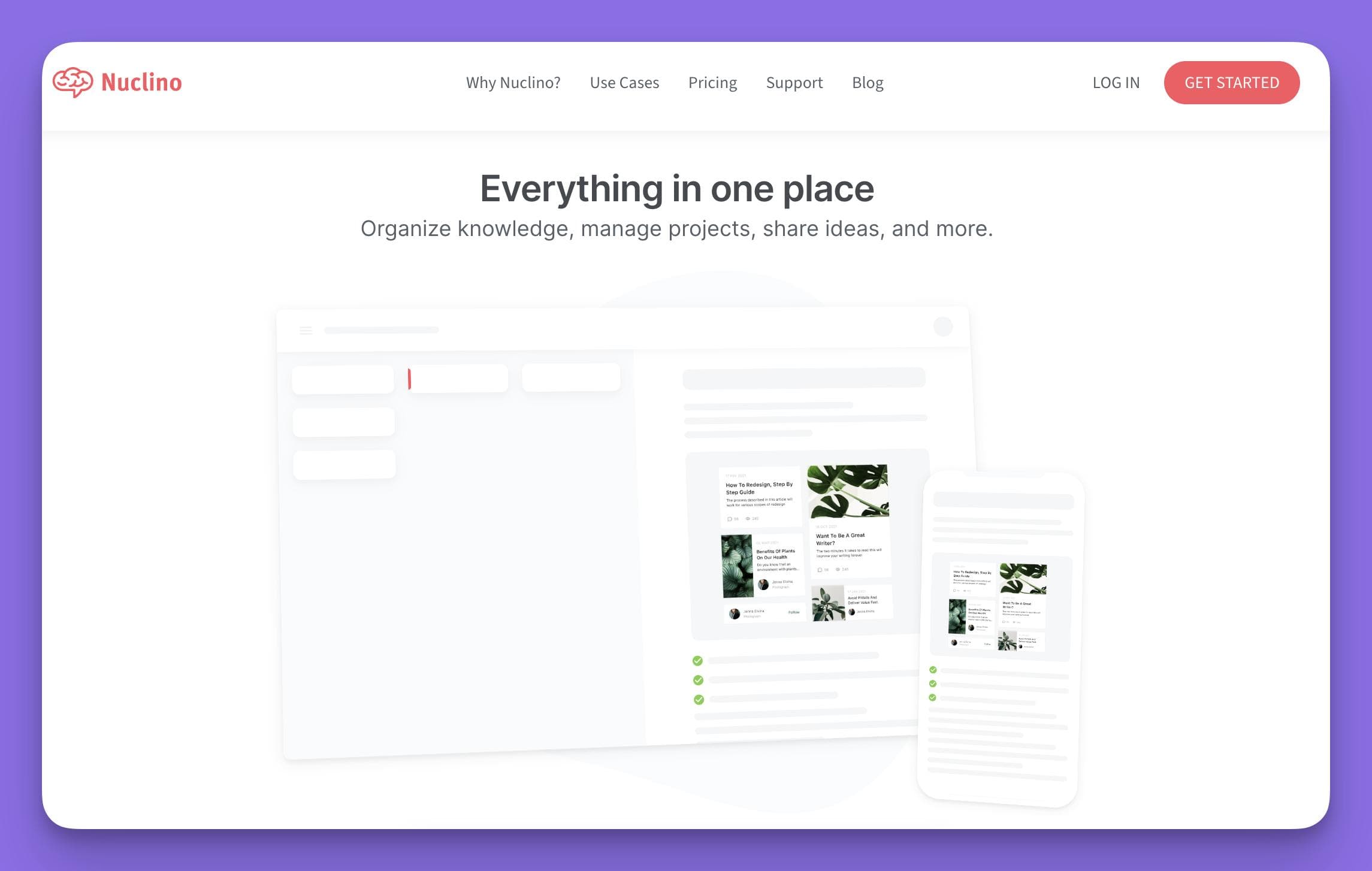
It supports multiple views—including list, Kanban, table, and mindmap style graph—and integrates an AI Sidekick to assist with content creation and instant answers.
Pricing
| Plan | Price | Description | Key Features |
|---|---|---|---|
| Free | $0 / user / month | Basic version of Nuclino | Up to 50 items, Up to 3 canvases, 2 GB total storage |
| Starter | $8 / user / month | Everything you need to get started | Everything in Free, plus: Unlimited items, Unlimited canvases, Admin tools, Publishing, 30-day version history, 10 GB storage per user |
| Business | $12 / user / month | Advanced capabilities and AI tools | Everything in Starter, plus: Sidekick (AI), Audit log, Team insights, Advanced security controls, SAML single sign-on (SSO), Custom publishing domain, Unlimited version history, 20 GB storage per user |
Key Features
Nuclino provides real-time collaborative editing with version history and version control, enabling teams to track changes effectively. Its AI Sidekick supports internal documentation by answering questions and helping create content. The ability to publish workspaces as public sites makes it a versatile knowledge base platform.
Pros
- User-friendly interface with minimal learning curve.
- Flexible for documentation, tasks, and knowledge management.
- Affordable pricing ideal for small teams.
Cons
- Limited advanced features compared to more comprehensive platforms.
- Less customization and analytics capabilities.
Who It’s For
Nuclino is suited for small to medium teams seeking a simple, collaborative internal knowledge base and project management tool.
Alternative #5: Bloomfire
Bloomfire is an enterprise-level knowledge management system that emphasizes rapid retrieval of information.

It indexes all content types, including documents, videos, and PDFs, using AI-powered search to ensure users find the most relevant results within three clicks.
Pricing
Pricing is customized based on team size and specific requirements.
Key Features
Bloomfire offers flexible categorization, tagging, customizable layouts, and strong security features suitable for sensitive information. It includes content analytics and Q&A discussions to boost end user engagement and support team collaboration.
Pros
- Powerful AI search across multiple content formats.
- Highly customizable platform supporting large teams.
- Detailed analytics on article performance and usage.
Cons
- Some users experience inefficiencies in search accuracy.
- Quote-based pricing may be cost-prohibitive for small teams.
Who It’s For
Bloomfire is ideal for large organizations needing a centralized knowledge base that supports rich media and offers robust security and scalability.
Get Started with InstantDocs: The Best Document360 Alternative
Among the 5 best Document360 alternatives, InstantDocs stands out by addressing many reasons users leave Document360.
Its AI-powered search and AI Recorder automate content creation, reducing the manual effort required by support teams.
The Knowledge-Gap Finder ensures your internal knowledge base stays current by identifying missing documentation topics from real support tickets.
With flexible pricing, including a free plan for small teams, and seamless integrations with popular tools like Microsoft Teams and Google Drive, InstantDocs offers a perfect solution for growing teams seeking cost-effective, AI-enhanced knowledge management.
If you are ready to streamline your documentation process, improve self-service support, and enhance end-user engagement, book a FREE demo of InstantDocs today and experience the future of knowledge base software.


Instantly build support docs that delight.
Book a demo