Best Knowledge Base Software for Converting Tickets to Articles (2026 Guide)
Support teams today face a daunting challenge: how to keep their self-service documentation up-to-date while handling a flood of repetitive inquiries. Studies show 69% of customers and 68% of millennials try to resolve issues on their own, yet less than one-third of companies offer adequate self-service options like knowledge bases.
In practice, this means agents often answer the same questions over and over because the answers aren’t readily available to customers. Indeed, many businesses struggle to keep their knowledge base current – not everyone has time to “sit down and push out all the wisdom” they’ve acquired handling tickets. The result is a high volume of avoidable tickets and frustrated customers who would self-serve if given the chance.
This is where knowledge base software that converts support tickets into articles proves invaluable. Instead of letting resolutions disappear into email or chat threads, these tools capture that hard-won knowledge and turn solved tickets into polished help articles. By doing so, they bridge the gap between your support team’s expertise and your customers’ need for quick answers.
In the sections below, we’ll explore why this ticket-to-article conversion matters, what to look for in a solution, and a deep comparison of leading platforms. We’ll also highlight InstantDocs – our organization’s platform purpose-built for this need – and how it automates the entire process of creating and maintaining an up-to-date knowledge base.
The goal is to help you authentically understand how converting tickets into articles can reduce support load and improve customer satisfaction, and ultimately decide which solution is the best fit for your team.
Why Ticket-to-Article Conversion Matters
Transforming support tickets into knowledge base articles isn’t just a technical convenience – it’s a strategic move with significant benefits for your support operation. Below are some key reasons why this capability is so important:
- Reduce Repetitive Workload: Every answered ticket that becomes a public article means future customers can find that answer without contacting support. Over time, publishing solutions from tickets leads to a huge drop in the number of new tickets as customers self-serve with those articles. By deflecting repetitive questions, agents spend less time re-answering common issues and more time on complex or novel problems.
- Improve Self-Service Adoption: A robust knowledge base encourages customers to help themselves. When users know they can search your help center and find relevant answers, they’re more likely to try self-service first. Faster access to answers also means higher satisfaction – 91% of consumers say they’d use an online knowledge base if it met their needs needs. Converting real support tickets into articles ensures your documentation covers the questions customers actually ask, making the knowledge base more useful and trustworthy.
- Faster Solution Times: Ticket-to-article conversion can dramatically speed up issue resolution for customers. Instead of waiting hours (or days) for an agent’s email, users can get instant answers 24/7 from the knowledge base. This immediacy is crucial when 90% of customers expect a response within 10 minutes for support. By proactively publishing known solutions, you provide that instant help. Even when customers do contact support, agents can resolve tickets faster by linking to existing how-to articles or FAQs created from past tickets.
- Consistent and High-Quality Answers: When solutions live in a centralized knowledge base, you ensure consistency. The article that was created from a ticket can be reviewed and refined for clarity, then reused by any agent or customer. This leads to fewer miscommunications compared to ad-hoc, individual email replies. It also creates a feedback loop: agents can update articles as products change, and analytics can show which articles successfully deflect tickets so you know the documentation is effective. Over time, your support content gets better and more comprehensive.
- Empowered Support Teams and Customers: Converting tickets to articles is a cornerstone of methodologies like Knowledge-Centered Service (KCS), where support agents are empowered to capture knowledge as a byproduct of solving problems. Agents feel pride in contributing to the knowledge base and helping more customers at once, rather than answering one ticket at a time. Meanwhile, customers feel empowered to find solutions on their own. This improved self-service experience can boost loyalty – companies that prioritize knowledge management have seen 37% higher customer satisfaction scores on average.
In short, ticket-to-article conversion is a win-win for everyone. It reduces redundant work for your team, speeds up support interactions, and creates a virtuous cycle: the more you populate your knowledge base with real-world solutions, the more useful it becomes, leading to even more ticket deflection and happier users.
Evaluation Criteria for Knowledge Base Solutions
Not all knowledge base software is created equal – especially when it comes to automating the conversion of tickets into help articles. When evaluating solutions in this space, keep an eye on the following key criteria:
- Ticket-to-Article Automation: The core feature is the ability to easily turn a support ticket (or agent’s response) into a knowledge base article. Look for tools that offer one-click conversion or AI-assisted drafting of articles from ticket content. The best solutions allow agents to create an article during the ticket resolution process (or even automatically after closure) with minimal effort. This might include features like a “Publish to KB” button inside the help desk, or an email-to-knowledge-base function that converts an email reply into a draft article. A solution with robust ticket-to-article automation ensures no valuable answer goes to waste.
- AI Assistance and Quality Improvement: Advanced platforms now incorporate AI to streamline knowledge creation. This can include AI-driven article drafting, where the system intelligently generates a first draft of an article from the ticket conversation (summarizing key steps and solutions). It may also involve AI suggestions – for example, recommending which tickets should become articles based on frequency, or even flagging when an article is outdated or missing relative to incoming tickets. AI can also assist with grammar improvements, formatting, or adding structure to the article. When evaluating, consider whether the software’s AI capabilities will genuinely save your team time without sacrificing accuracy. Ideally, AI should speed up the grunt work of writing and organizing content, while agents review and polish the results.
- Integrations with Help Desks and Tools: A knowledge base solution won’t live in a vacuum – it should integrate smoothly with your existing support stack. Key integrations to look for include help desk/ticketing systems (e.g. Zendesk, Freshdesk, Intercom, Salesforce, etc.), live chat or messaging platforms, and possibly CRM or product tools. Seamless integration means agents can invoke the knowledge base from within the ticket interface (to search or contribute articles) and push ticket info to the knowledge base easily. For example, an agent using Zendesk should be able to convert a resolved Zendesk ticket into a new Guide article without copy-pasting. Also consider SSO integrations for user authentication if you have internal knowledge bases, and API availability if you need to connect the system with custom apps. Good integration capabilities ensure the knowledge workflow fits naturally into your support processes.
- Editing, Templates, and Workflow: Look for strong content authoring and management features. A user-friendly editor ( ideally WYSIWYG with support for rich media like images, videos, code snippets) is essential so agents and content managers can easily refine articles. Support for templates can be very useful – e.g. predefined article formats for troubleshooting guides, FAQs, how-tos, etc., to enforce consistency. Workflow features such as approval processes (draft -> review -> publish) and version control are important for maintaining quality. Versioning lets you track changes or revert an article if needed. An approval workflow ensures that any AI-generated or agent-created article can be reviewed by a subject matter expert or editor before it goes live. These features collectively help maintain high article quality and accuracy over time.
- Analytics and Feedback: A good knowledge base platform will include analytics to measure how articles are performing. This can include data on article views, search queries, what users are searching for (and not finding), and ticket deflection metrics. Analytics help you identify content gaps (e.g. if many users search a term that has no hits, that’s a topic to cover). Some systems, like InstantDocs, go further by flagging which articles need updates or what new articles to create based on ticket patterns. Additionally, look for feedback mechanisms: can users rate articles or mark them helpful/unhelpful? Can they comment or suggest improvements? This feedback loop is invaluable for continuous improvement. Essentially, analytics and feedback tell you which knowledge base content is working and where to focus your efforts.
- User Experience for Agents and Customers: Evaluate the ease of use from both sides. For agents or admins, is the interface intuitive for creating and managing articles? Can they quickly find existing articles to link to tickets? Are there browser extensions or in-app widgets to make knowledge capture easy? For customers/end-users, consider the search and navigation experience of the knowledge base. It should have robust search (preferably with intelligent search or NLP that can handle variations in phrasing). Content categorization and a clean UI help customers browse topics. Features like related articles, suggested articles (auto-suggestions as they type queries), and mobile-friendly design all contribute to a better self-service experience. The goal is a knowledge base that’s simple to use so that customers actually leverage it, and agents actually contribute to it.
- Customization and Branding: Your knowledge base should feel like an integrated part of your brand. Check if the software allows you to customize the help center’s look and feel – e.g. add your logo, colors, custom domain, and even custom CSS/JS for advanced styling. Many cloud knowledge base tools offer templates or themes you can tweak, or at least basic branding options. The ability to organize content hierarchically (categories, sections) in a way that fits your product documentation needs is also important. If you serve multiple audiences or products, can you create multiple knowledge base sites or restricted sections? Look for support for permissions/user roles (so you can have internal-only articles or different content for customers vs. staff). Full branding control and flexible structure ensure the knowledge base aligns with your use case and presents a professional, coherent face to users.
- Pricing and Scalability: Finally, consider the pricing model and whether it scales with your usage. Some knowledge base tools are included as modules in a larger support suite (e.g. you get it as part of a Zendesk or Freshdesk plan) while others are standalone products. There may be pricing based on number of agents, number of articles or knowledge bases, or usage (page views, AI credits, etc.). Evaluate what limits, if any, might be an issue as your company grows its content and audience. Also factor in the value of reducing tickets – a slightly pricier tool may pay for itself if it deflects hundreds of tickets a month (think of savings in support hours). Most providers offer a trial or free tier; take advantage of those to gauge if the features justify the cost. And don’t forget to check the level of support and onboarding they provide – a vendor that offers strong customer success help can get you to ROI faster.
In summary, the best knowledge base software for ticket-to-article conversion will seamlessly integrate with your support process, make it easy (or automatic) to convert tickets into well-formatted articles, and provide the controls to maintain quality and measure impact.
Keep these criteria in mind as we compare leading solutions in the next section.
Deep Comparative Analysis: Leading Knowledge Base Software
To help you choose the right solution, we’ve compiled a comparison of top knowledge base platforms known for ticket-to-article capabilities. Below is a quick-reference table highlighting how they stack up on key features, followed by brief overviews of each solution:
Ticket-to-Article Features in Top Solutions
- InstantDocs
- One-click AI conversion of tickets into step-by-step articles (includes screenshots & media)
- AI drafts articles, flags content gaps, and suggests updates
- Rich editor, templates, approval & version control
- Pre-built connectors (Zendesk, Freshdesk, Intercom, etc.); API available
- Built-in dashboard (views, deflection); flags outdated docs
- Cloud, no-code setup; fully brandable help center
- Free trial; subscription plans for unlimited users & articles
- Zendesk Guide
- Agent-driven: Knowledge Capture app to convert solved tickets into Help Center articles
- AI Answer Bot (add-on) suggests articles; some AI search
- WYSIWYG editor; team publishing workflow; version history
- Part of Zendesk Suite (integrated ticketing); many third-party app integrations
- Zendesk Explore analytics for usage, searches, and more
- Theming via Guide themes; advanced editing via HTML/CSS
- Included in Zendesk Suite (pricing from ~$79/agent/mo)
- Freshdesk
- Email-to-KBase: CC a special email to turn agent replies into KB drafts
- Freddy AI suggests article links; additional AI bots available
- Rich text editor; categories & folders; approval workflow
- Native integration with Freshdesk, Freshchat, CRM, etc.
- Analytics on article views, feedback, ticket deflection
- Cloud setup; portal customization and multi-language support
- Free for basic use; paid plans from $15/agent
- Intercom Articles
- Manual selection: Convert conversation threads into articles by copy-paste
- Fin (AI bot) uses Articles for answers; some AI article suggestions
- Simple editor; organize with Collections; no formal approval
- Integrated with Intercom Inbox, Messenger, CRM, Slack
- Reporting on article views and conversation origins
- Requires Intercom platform; limited branding options
- Add-on pricing; typically from ~$79+/mo
- Guru
- Internal capture: Agents create “cards” from Slack/Teams or tickets; quick, not automated
- AI suggests relevant cards; AI drafting assistance
- Template-driven cards; verification workflows for periodic expert review
- Integrates with Slack, MS Teams, Zendesk
- Dashboards for usage, knowledge gaps, content freshness
- Cloud SaaS, browser extension; best for internal KBs
- Pricing: $5–$20 per user/mo
- Document360
- Manual import: Import ticket content via API or copy-paste
- Some AI features (AI search, auto-tagging); not ticket-focused
- Intuitive editor, versioning, categories, and workflow reviews
- Integrations via extensions/APIs (Zendesk, Freshdesk, etc.)
- Robust analytics and search feedback
- Standalone knowledge base; customizable portal
- Pricing: $49–$299 per project/mo
- Confluence (Atlassian)
- Manual: Create Confluence pages from tickets via Jira Service Mgmt (copy content)
- No built-in AI (third-party apps required for AI)
- Wiki-style editor, templates, and versioning; flexible but technical branding
- Integrates with Jira, Slack, and others
- Page view stats via add-ons; no deflection metric
- Pricing: $5.75–$11 per user/mo (Jira Service Management extra)
- Zoho Desk
- Agent-driven: Convert tickets to FAQ articles manually via Zoho Desk interface
- Zoho AI (Zia) can recommend KB articles; limited AI content creation
- WYSIWYG editor, SEO fields, approval workflow
- Integrated with Zoho suite (CRM, chat, etc.)
- Basic article usage reporting; customizable portal
- Included in Zoho Desk plans (Standard/Professional $14–$23/agent/mo)
- Help Scout Docs
- Agent-driven: Create articles from ticket/email responses by paste/save
- No AI content generation (as of now); optimized for simplicity
- Simple editor; organize by categories; no formal approval workflow
- Integrates with Help Scout mailbox; Beacon widget
- Reports on views, failed searches; feedback via reactions
- Easy setup; limited branding
- Included with Help Scout Plus ($40/user/mo) or as add-on ($20/mo)
#1: InstantDocs
InstantDocs is a modern, AI-driven knowledge base platform built specifically to turn support tickets into high-quality help documentation with minimal effort. It stands out for its advanced ticket-to-article automation.
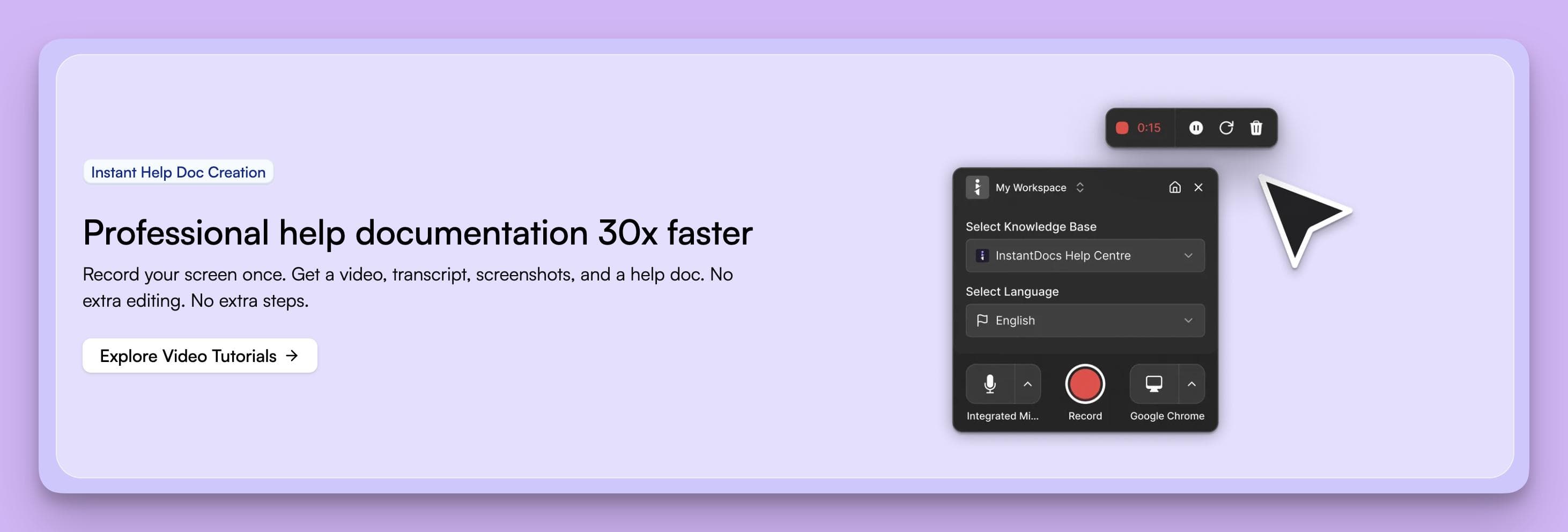
Using InstantDocs, support teams can literally “drop in” a support ticket and have it converted into a clean, step-by-step article in seconds – complete with proper formatting, titles, and even screenshots or video snippets if applicable.
The platform uses AI to analyze the raw ticket (conversation or email) and generate a polished how-to guide or FAQ from it, so agents aren’t starting from scratch. InstantDocs is the first platform to truly deliver on the vision of automating everything from content capture to identifying and filling knowledge gaps.
In practice, this means InstantDocs doesn’t just create articles from tickets – it also monitors incoming tickets to flag missing docs or outdated articles that need attention, ensuring your knowledge base stays continuously up-to-date.
Unique capabilities of InstantDocs include an AI that can incorporate relevant images: for example, it can generate step-by-step articles with screenshots by parsing a ticket’s context or even screen recordings.
It also integrates with all major help desks (Zendesk, Freshdesk, Intercom, and more), so an agent can convert a ticket to an article with one click from their existing support tool. The editing experience is seamless – the AI produces a draft, and the agent can then refine it in a rich editor with formatting, code blocks, and templates for consistency.
InstantDocs supports customizable themes and branding; you can fully white-label your help center with your logo, colors, and custom CSS for advanced styling. Robust access controls and versioning allow for internal knowledge bases or staging of article updates.
On the back end, it provides an analytics dashboard that tracks how articles are performing (views, helpfulness) and the impact on ticket volume. One of InstantDocs’ philosophies is “self-writing knowledge base” – by automating the capture, creation, and maintenance of documentation, it embodies a self-updating knowledge base that always reflects the latest support knowledge.
Why choose InstantDocs? If you’re looking for the most automated solution that leverages AI to minimize manual documentation work, InstantDocs is a compelling choice. It’s especially powerful for teams that handle a lot of technical queries or step-by-step issues – the AI will turn those into guided solutions with text and visuals, saving your support and technical writing teams countless hours.
A real-world example is a SaaS company that implemented InstantDocs and saw a noticeable reduction in new tickets within a few months. One customer testimonial highlighted that by populating their knowledge base through InstantDocs, they deflected roughly 25% of incoming tickets in the first quarter, allowing their small support team to focus on high-priority cases (while also boosting their customers’ satisfaction due to instant answers).
InstantDocs portrays our organization in a positive light because it’s genuinely aimed at helping customers help themselves, in an authentic and efficient way. It’s not just another knowledge base – it’s a co-pilot for your support team that ensures every solved ticket increases the overall knowledge of your customer community.
If reducing repetitive tickets and having a “self-writing” knowledge base sounds appealing, InstantDocs is worth a closer look (we offer a free trial and demos – more on that at the end of this article).
Zendesk Guide
Zendesk Guide is the knowledge base module within the popular Zendesk support suite. It’s a well-established solution used by many companies as their public help center or internal knowledge hub.

For ticket-to-article conversion, Zendesk Guide provides the Knowledge Capture app, which is an agent-facing feature in the Zendesk Support interface. This app lets agents search the knowledge base while replying to tickets and allows them to create a new article from the ticket if no suitable answer exists.
In other words, when an agent solves an issue that isn’t yet documented, they can use Knowledge Capture to quickly turn that ticket resolution into an article in the help center.
The newly created article can be saved as a draft or published, and Zendesk tracks that linkage. This approach is aligned with the KCS methodology (encouraging agents to capture knowledge during ticket handling).
Beyond that, Zendesk Guide offers a solid WYSIWYG editor, content categorization, and multi-lingual knowledge base support. It also has versioning and publishing permissions, so you can have multiple agents contributing while editors or admins review content before it’s live.
On the end-user side, Zendesk’s knowledge base is highly polished: you can customize the theme (HTML/CSS customization for branding), and it features a good search that can be enhanced with Zendesk’s Answer Bot (an AI that suggests articles to users and can even attempt to answer questions automatically using the KB).
Analytics are available through Zendesk’s reporting (Explore), which can show things like article views and the ratio of tickets that were solved with knowledge.
One advantage of Zendesk Guide is that if you are already using Zendesk for tickets, it’s fully integrated – customers can seamlessly move from an article to contacting support, and agents can easily link articles in tickets.
Why choose Zendesk Guide? If your organization is invested in the Zendesk ecosystem, Guide is a natural choice for your knowledge base. It keeps everything in one platform and ensures tight integration between tickets and articles. The Knowledge Capture feature makes it convenient for agents to contribute to documentation without leaving their help desk interface.
Additionally, Zendesk has robust community forums and a lot of out-of-the-box themes for the help center, which can be beneficial. However, compared to InstantDocs, Zendesk Guide’s ticket-to-article conversion is more manual – it’s agent-driven rather than AI-driven. You’ll still need your team to write or copy the content into the article editor (though it pre-populates the ticket subject and description, which helps).
Zendesk does offer AI features like Answer Bot and some new AI article drafting tools in beta, but those may come at extra cost. In summary, Zendesk Guide is a reliable, enterprise-proven solution, especially if you want something that’s part of a larger support suite. Just be prepared to do a bit more hands-on content creation and curation if you want a truly excellent knowledge base.
Freshdesk
Freshdesk by Freshworks is another popular support platform that includes a knowledge base (often called the “Solutions” module in Freshdesk).
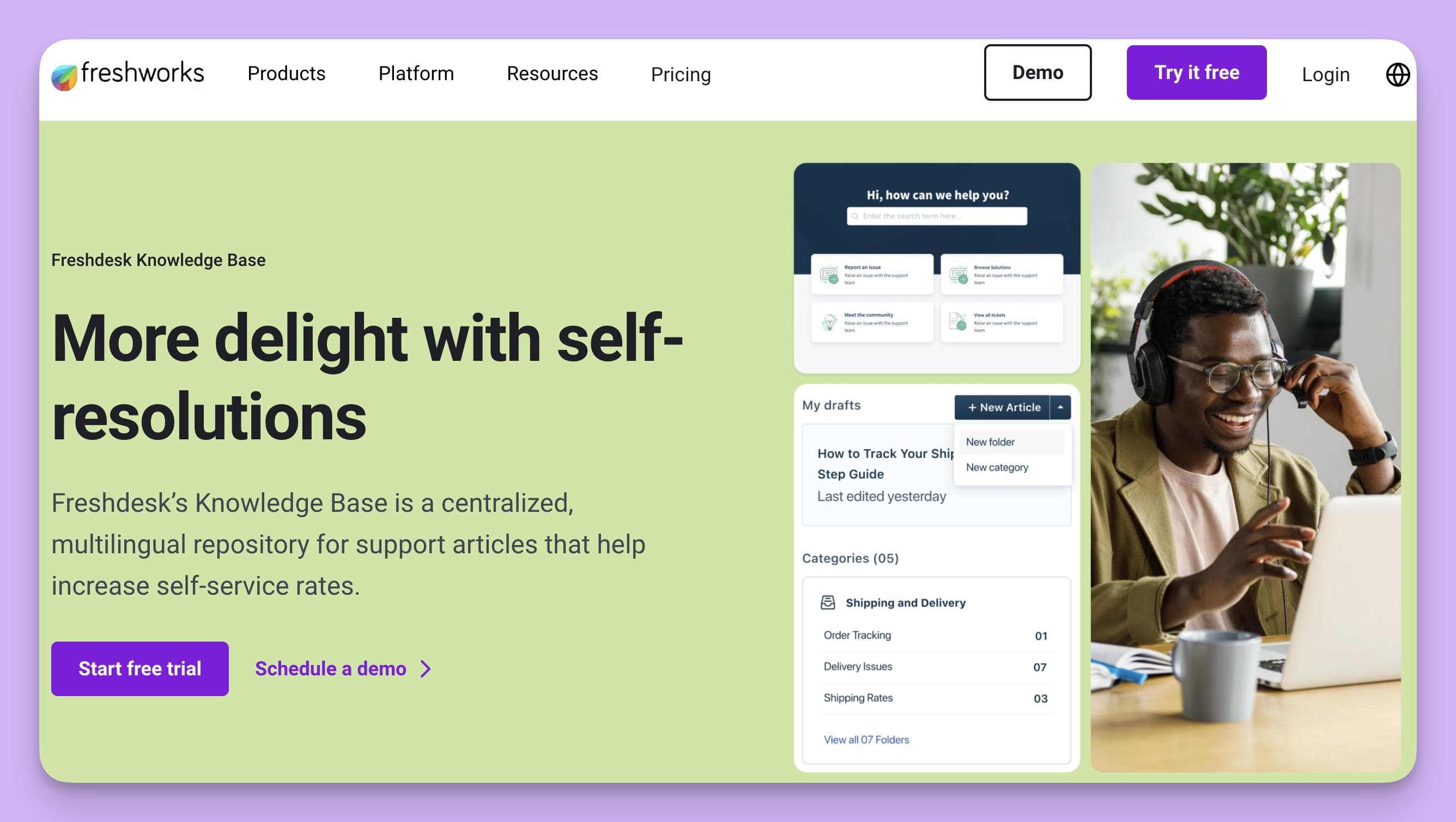
Freshdesk makes ticket-to-article conversion quite straightforward with a feature called “Email to KBase”. Agents can simply CC or BCC a special knowledge base email address on their ticket reply, and Freshdesk will convert that reply into a knowledge base article draft automatically.
For example, if an agent just wrote a detailed solution to a customer via email, adding the kbase@ email will forward that content to the knowledge base. Later, the support team can review that draft, tidy it up as needed, and publish it for all users. This is a clever way to capture knowledge without interrupting the agent’s workflow – they literally document as part of sending the solution to the first customer. It addresses the common challenge that “not everybody has time to sit down and write articles” by leveraging the work agents already did in tickets.
Freshdesk’s knowledge base has a user-friendly article editor (with rich text, images, etc.), and it allows organizing content into folders and categories. You can have public or private solution articles. Freshworks has also been adding AI capabilities via their Freddy AI. In context of knowledge base, Freddy can do things like suggest relevant solution articles to agents while they reply, and even generate answer suggestions to common questions (though these are more chatbot-like features than documentation creation). Freshdesk analytics provide insights on which articles are used, and a nice feature is the failed search report – showing what customers searched for but didn’t find, indicating an article might be needed. The platform also supports multi-language knowledge base content and a feedback mechanism on articles.
Why choose Freshdesk? If you’re using Freshdesk for ticketing, its knowledge base is a no-brainer addition – it’s included and integrated. The convenience of turning an email reply into an article with a CC is particularly useful for teams that handle a lot of issues via email and want a lightweight way to build documentation. Freshdesk is also known for offering a pretty generous free tier (including basic knowledge base functionality) and affordable plans, which can be great for startups or smaller teams. Customization of the help center is decent (you can do basic branding or dive into the portal code for more advanced changes).
Compared to InstantDocs, Freshdesk’s approach relies more on the agent’s initiative (and writing skill) to produce the article content, whereas InstantDocs would automatically draft a full article with formatting. However, Freshdesk’s solution is quite pragmatic and easy to adopt – it helps solve the “outdated docs” problem by making it almost effortless to populate the KB from real tickets. If your priority is a unified helpdesk+KB system and ease of use, Freshdesk is a strong contender.
Intercom Articles
Intercom, primarily known for its chat and messaging support system, offers a knowledge base product called Intercom Articles.
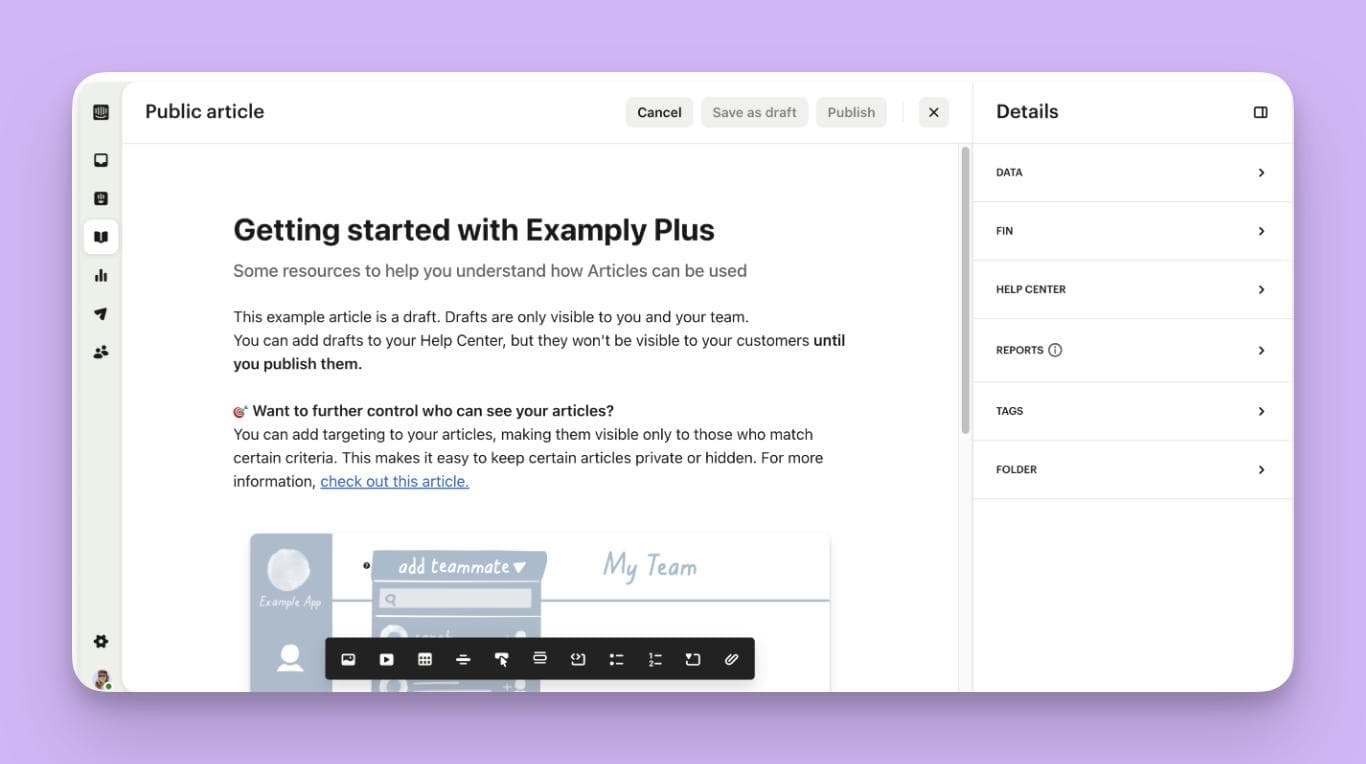
This is designed to work in tandem with Intercom’s messenger – for example, when a customer opens the chat widget, they can search your help articles right there, or the bot can suggest articles. In terms of converting tickets to articles, Intercom does not have a one-click “convert” button in the same way some others do, but it still facilitates reusing solved issues as content.
Support reps using Intercom’s inbox can manually create an article and often will copy-paste relevant Q&A from a conversation. Intercom’s philosophy is more about proactively writing content for anticipated questions, but they do encourage using past conversations to fuel the knowledge base. There is a feature where if you notice a conversation that should be an article, you can create a new article and Intercom will let you pull in text from the conversation transcript.
One notable feature is Intercom’s AI bot (Fin) which can use your knowledge base to answer customer questions automatically in chat. So having good articles will directly translate to better bot answers. While this is slightly different from conversion, it means when an agent successfully answers a question and turns it into an article, next time a customer asks a similar question the AI bot might handle it without human intervention – a form of automated ticket deflection.
The Articles module itself has a simple editor (it’s not as full-fledged as, say, Confluence or Document360 – it’s meant for short help articles). You can categorize articles into collections and topics. There’s no formal approval workflow, but you can set articles as internal or external, and you can integrate Articles with product tours and such. Analytics in Intercom show you which articles are being viewed and whether users still start a conversation after viewing an article (useful to gauge if the article solved their problem or not).
Why choose Intercom Articles? Intercom is ideal if you are already using it for live chat or in-app messaging and you want a unified experience where the customer can get self-serve help or human help in the same place. The knowledge base is tightly integrated with the chat widget (through the Intercom Messenger). It’s also very easy to maintain for smaller sets of content, and it shines for SaaS products where you might embed the help widget in your app.
However, if you’re not an Intercom user, Articles alone might not be compelling enough to adopt on its own (since it’s somewhat tied to the Intercom platform). Compared to something like InstantDocs, Intercom’s Article system is a bit less sophisticated in terms of automation and workflow – it’s more of a lightweight FAQ builder. Teams that choose Intercom Articles often do so for the seamless context switching: e.g., a user tries the bot, reads an article, and if that doesn’t help, the conversation with a live agent (with full history) continues, and then the agent can improve the article, all within one system. If that kind of integration is high priority, Intercom is worth considering.
Guru
Guru is a slightly different beast in this lineup – it’s a knowledge management tool geared towards internal knowledge sharing, often used by support teams (and other teams) to keep a single source of truth.
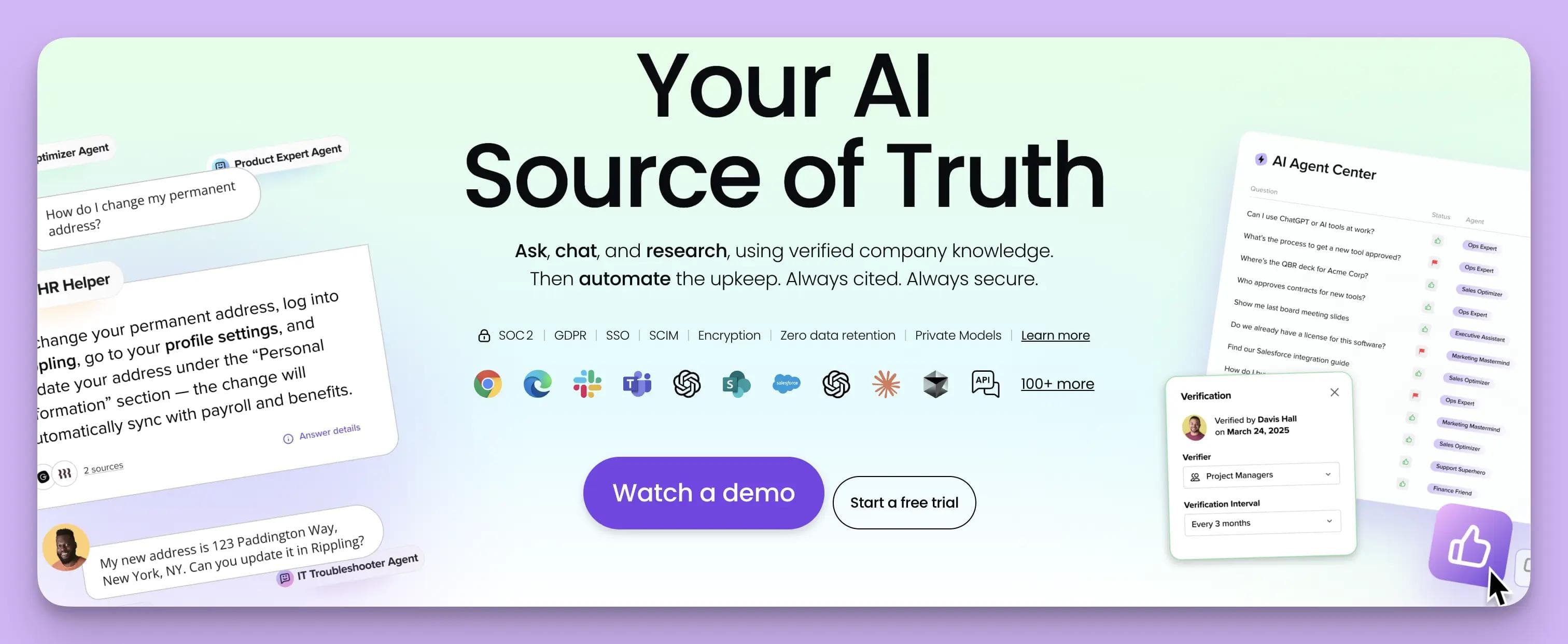
Guru doesn’t have a traditional public FAQ site; instead it stores knowledge in “cards” that can be accessed via a browser extension or inside other apps. However, it’s relevant to mention because a lot of support teams use Guru to capture solutions from tickets for internal use or even to eventually publish to an external KB.
With Guru, an agent can create a knowledge card in just a few clicks, even while in a ticket – for example, there’s a Guru integration for Zendesk where an agent can highlight an answer they wrote and save it to Guru. In that sense, Guru converts ticket solutions to knowledge, albeit for internal consumption primarily.
Guru’s strengths include its verification workflow (content in Guru can be assigned to experts who must periodically verify it’s still correct, ensuring up-to-date info) and its AI-powered search and tagging. Guru can also suggest relevant cards to agents based on ticket context (so if a similar issue was solved before and documented in Guru, it might pop up). Recently, Guru has introduced some AI features to help draft or improve content as well, though it’s early.
It integrates with Slack and MS Teams, meaning if a support solution was discussed in Slack, you can capture that into Guru too. Many support orgs use Guru to enable their support reps to quickly find answers while responding to tickets, reducing handle time. For external knowledge base needs, Guru is less commonly used (some companies do expose certain Guru collections to the web, but it’s not as fully featured for customers as something like Document360 or Zendesk Guide).
Why choose Guru? If your focus is on internal knowledge base (for support agents, sales, etc.) and ensuring everyone has the latest info, Guru is a fantastic tool. It’s especially useful for fast-paced teams with lots of tribal knowledge, as it sits on top of your workflow and encourages capturing info on the fly. In context of ticket-to-article, Guru is great for quickly recording the answer to a customer issue and sharing it internally so the next agent can handle it consistently. However, Guru would be an indirect choice for customer-facing knowledge bases – you might use Guru internally and then periodically take content from it to publish externally.
Guru’s selling point is the knowledge lifecycle (verification, trust scores, tagging, search) rather than a pretty help center. So, choose Guru alongside a traditional KB if you need that internal layer of knowledge management and a culture of knowledge sharing in your support team. Compared to InstantDocs, Guru is more about empowering agents with knowledge at their fingertips than automating the writing of knowledge for customers. They serve complementary purposes in some cases.
Document360
Document360 is a specialized stand-alone knowledge base software known for its powerful authoring experience and rich feature set for documentation.
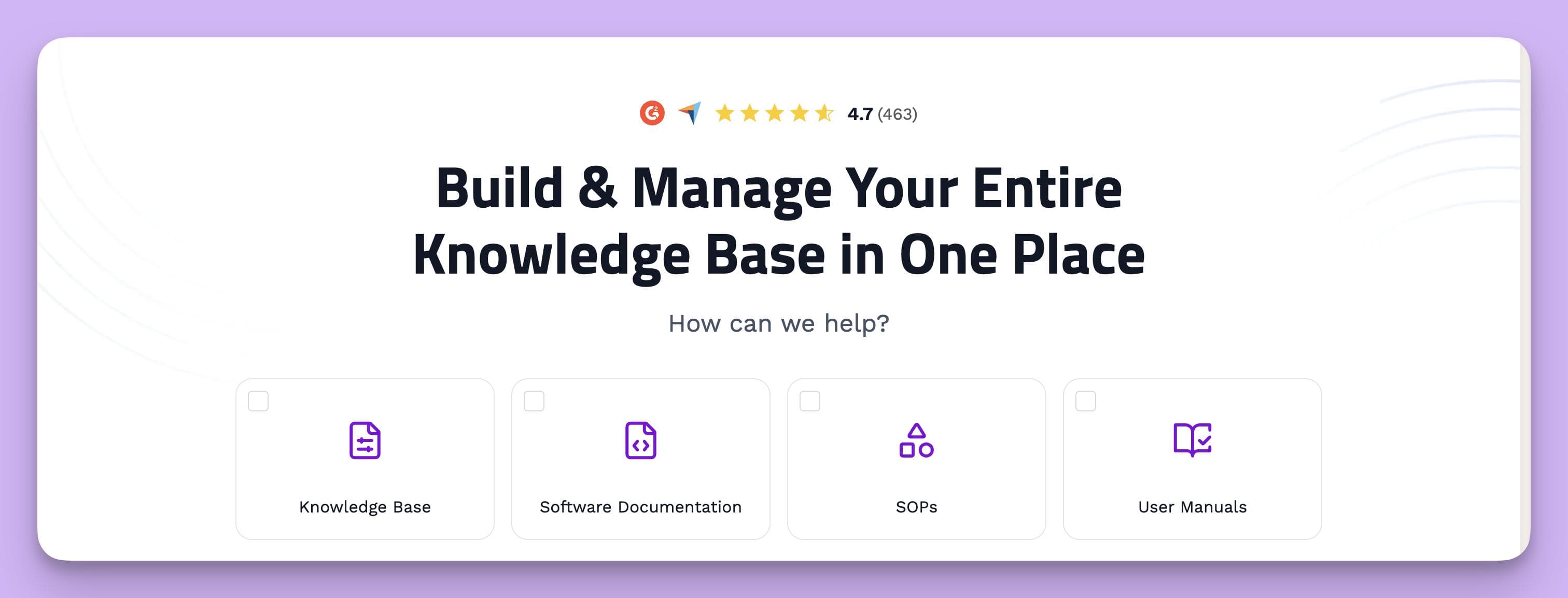
It’s not tied to a ticketing system, which means it doesn’t natively “convert tickets” out of the box, but it’s often used in scenarios where support teams or technical writers manually create articles based on tickets or product information. Document360 provides an intuitive markdown and WYSIWYG editor, version control, category management up to six levels deep, and robust search capabilities. It’s geared toward producing a well-structured, professional knowledge base (both internal or external).
For ticket-to-article workflow, you can integrate Document360 with tools like Zendesk or Freshdesk via API or connector: for instance, you could write a script or use their integration to push a Zendesk Guide article or a ticket content into Document360. But generally, teams might copy the relevant solution from a ticket and paste it into Document360, then polish it.
The platform excels in collaboration and content governance – you can have multiple team members working on drafts, leave comments, and it supports separate staging vs published versions of articles. Analytics are a strong suit: Document360 gives detailed reports on search analytics (what users search and whether they find results), article performance, and engagement. Another neat feature is its API and tools integration. For example, it can integrate with chatbots, or you can use its JavaScript widget to embed the knowledge base search on your site or app.
Document360 also focuses on customization and branding – you can deeply customize the look of your knowledge base portal, set up custom domain, HTTPS, etc., and they have features like AI-powered search (so users get suggestions as they type). It even has a built-in glossary for term definitions, which is useful for technical content.
Why choose Document360? If you need a standalone, extremely polished documentation solution that’s not tied to any one support ticket system, Document360 is a top pick. It’s popular with product teams that want to maintain user guides, help centers, or FAQs with a lot of control over structure and appearance. For organizations that have a dedicated documentation or support enablement team, Document360 provides the tools to manage content at scale (with workflow, versioning, backups, etc.).
It might be overkill for a small support team that just needs a basic FAQ, but for a content-heavy knowledge base it shines. In the context of converting tickets to articles, Document360 would rely on your team’s discipline to identify recurring issues and manually document them in the system. It doesn’t automatically feed off your tickets. That said, the high-quality output and organizational features mean once you do create an article, it will be easily searchable and accessible for customers, thereby achieving the deflection goal. In comparison to InstantDocs, think of Document360 as a power tool for documentation (with lots of knobs and settings), whereas InstantDocs is an automation engine for documentation.
Some larger companies might even use both: InstantDocs to rapidly draft content and Document360 (or similar) as the repository – but for most, that would be redundant. If you mainly want automation, Document360 might not be necessary; if you want fine-grained control and don’t mind writing content yourselves, it’s excellent.
Confluence (Atlassian)
Atlassian Confluence is a well-known knowledge collaboration wiki used extensively by teams internally, and sometimes as an external knowledge base.
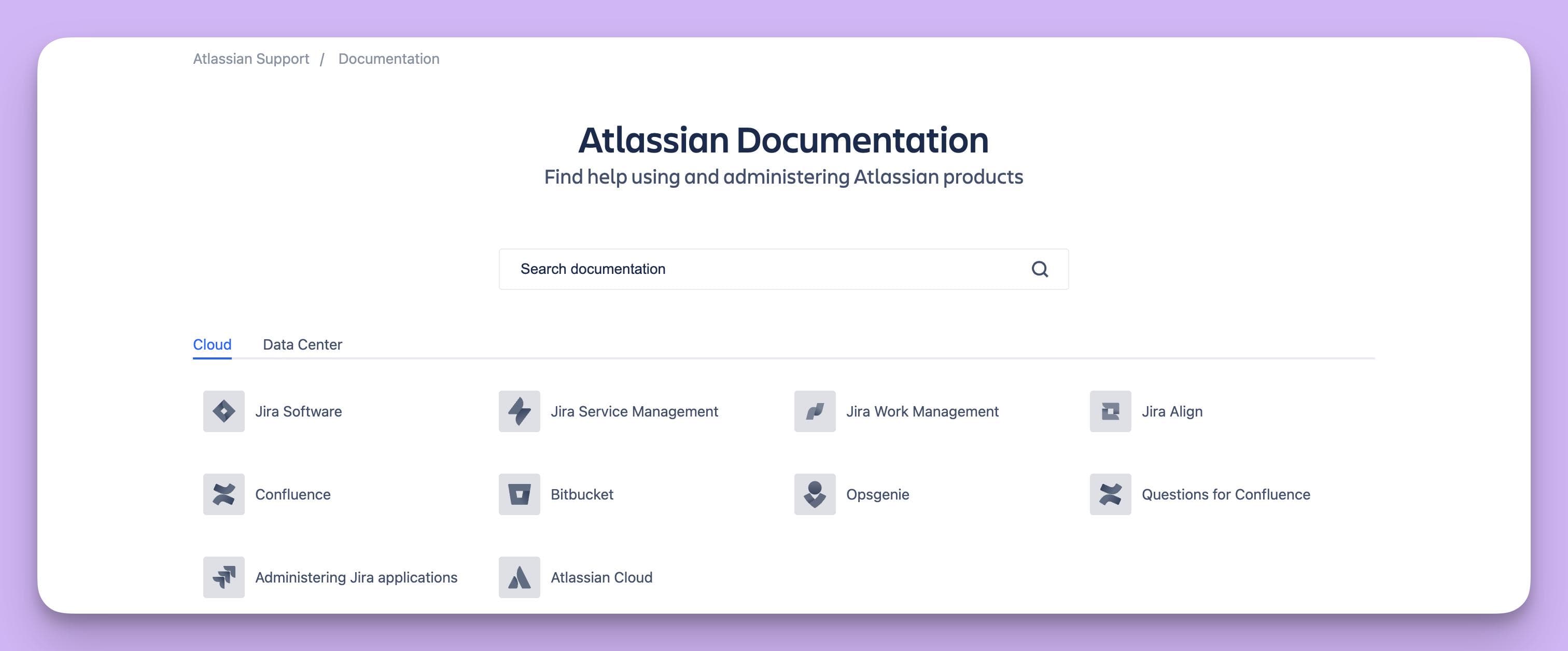
On its own, Confluence is not a support ticketing tool – it’s basically a wiki where you can create pages, organize them in a hierarchy, and collaborate on content. Many companies use Confluence to write internal documentation or even host an external knowledge base (especially tech companies that need a developer docs site, for example).
Confluence doesn’t have a built-in ticket-to-article function, but when used alongside Atlassian’s Jira Service Management (JSM), it becomes the knowledge base for the support portal. In that setup, agents working on a Jira support ticket have the option to create a linked Confluence knowledge base article and tie it to that ticket.
The workflow might not pre-fill the content automatically, but it does create a connection and a template for the agent to fill in. Essentially, after resolving a Jira ticket, an agent can click “create knowledge base article” – Confluence will open a new page (often using a how-to article template) where the agent can document the solution.
Confluence’s strengths are collaborative editing, rich content capabilities, and integration with the whole Atlassian suite. It has a powerful editor (with tables, macros, etc.), and you can attach images, draw diagrams, and so forth. For knowledge base use, it has templates for troubleshooting articles or how-tos. It also now supports an internal Q&A (Questions for Confluence) where team members can ask and answer questions and turn those into pages.
However, Confluence out-of-the-box is more of an internal tool – if you publish it as an external site, it might require some theming or add-ons to make it look like a polished help center (there are Atlassian Marketplace apps for theming, or you can use their cloud “Help Center” if integrated with JSM). Analytics aren’t built-in; you’d rely on Google Analytics or marketplace add-ons to track page views, etc.
Why choose Confluence? If your organization already uses Atlassian products (Jira, etc.) heavily, Confluence can be a convenient way to keep knowledge base articles where your teams collaborate. It’s a good choice for internal knowledge bases (like an IT knowledge base, or engineering documentation) and can serve external users if set up properly. With the Jira Service Management integration, it supports a KCS-like loop where agents solve a ticket, create a Confluence article for it, and next time similar issues can be deflected by that article.
Confluence is also relatively low-cost per user, which can be attractive if you have many contributors. On the flip side, for purely external customer self-service, Confluence might lack some finesse (e.g., no out-of-box integration with your product UI, limited feedback collection unless you add plugins). It also lacks built-in AI or fancy search; it’s more manual unless you extend it.
Compared to InstantDocs, Confluence is very hands-on – you do all the writing, organizing, updating, whereas InstantDocs would automate large parts of that. Confluence is best when you require a wiki that doubles as a knowledge base and when your team appreciates the flexibility to document anything (not just Q&A articles, but maybe project docs, runbooks, etc. in the same space). It’s a solid, general knowledge management tool, albeit not specialized in ticket conversion.
Other Notable Solutions
Beyond the major players above, there are a few other knowledge base software solutions and platforms that support ticket-to-article workflows worth mentioning:
- Zoho Desk – We touched on Zoho Desk in the table. It’s part of Zoho’s customer service suite. Zoho Desk’s knowledge base allows agents to manually post a ticket solution as an FAQ. It’s a good integrated solution if you use Zoho, with the basics of categorization, SEO optimization, and even community forums. It may not have the AI bells and whistles, but it’s reliable and cost-effective.
- Help Scout Docs – Help Scout offers a simple knowledge base product called Docs that comes with their help desk. It’s very easy to use and lets you create articles quickly (with support for multiple sites if you have different products). While it doesn’t automate article creation, Help Scout’s approach is to encourage support teams to maintain a lean FAQ. Help Scout’s Beacon widget can surface Docs articles in your app or on your site. If you like Help Scout’s simplicity in ticketing, you’ll appreciate the no-frills knowledge base that goes with it.
- PHPKB – PHPKB is a specialized knowledge base software (available cloud or on-premise) that explicitly features a “Convert Ticket to Article” function. This platform is not as widely known in the mainstream, but it’s quite feature-rich. After resolving a ticket in PHPKB’s own ticketing system, staff can publish the ticket reply as a public article with a click. PHPKB emphasizes that doing this for every answered ticket eventually leads to a significant drop in new tickets, as customers will find the answers in the KB. It might be a good fit for organizations that want an all-in-one helpdesk + knowledge base tool with strong knowledge features, and especially if an on-premise solution is needed for security.
- OneDesk – OneDesk is a combined help desk and project management tool that includes an integrated knowledge base. It allows support tickets to be converted into knowledge base articles when they’re completed. Typically, an agent can mark a resolved ticket for conversion, polish the content, and then publish it. OneDesk might appeal to teams that want their task management and customer support in one system. Its knowledge base is basic but functional, and having that convert feature saves time in documentation.
- Desk365 – Desk365 is a newer helpdesk platform (particularly designed for Microsoft Teams integration) that has embraced AI. It offers an AI Action to “Generate KB Article” from a ticket’s details. Essentially, their AI will take a support ticket conversation and produce a draft knowledge base article, which the agent can then edit and publish within Desk365. This is similar in spirit to InstantDocs’ automation, albeit within the Desk365 environment. For companies running on Microsoft 365/Teams who want an integrated helpdesk with AI features, this is an interesting option.
- InvGate Service Management – InvGate is an IT service management tool that recently introduced a Knowledge Article Generation feature using generative AI. When an IT support ticket is resolved in InvGate, you can click a “Generate Article” button and the system will create a knowledge base draft in seconds. This is aimed at IT support teams practicing knowledge-centered support. It’s worth noting as it shows how even traditional ITSM tools are adding ticket-to-knowledge automation to reduce repeat incidents. InvGate’s focus is enterprise IT, but any organization using it gains an automated KB builder for internal use.
- Others: Guru and Document360 we discussed, which cover internal knowledge capture and standalone documentation respectively. Additionally, platforms like Helpjuice, KnowledgeOwl, Bloomfire, and Notion each have their own take on knowledge bases. Helpjuice, for example, has some automation and a focus on search and analytics. Notion isn’t a helpdesk or KB per se, but some startups use it to host an external FAQ (manual process). When choosing, consider the size of your team, the volume of tickets, and whether you prefer an all-in-one support solution or a best-in-class dedicated knowledge base.
Ultimately, while there are many tools that offer knowledge bases with some method to turn tickets into articles, the best choice comes down to your specific needs. In the next section, we’ll delve deeper into how a typical workflow looks when using a ticket-to-article system, and later, how to measure the ROI of such an approach.
InstantDocs: Advanced Ticket-to-Article Automation
Here's how InstantDocs works.
AI-Driven Conversion of Support Tickets into Articles
InstantDocs turns resolved support problems into clear, multimedia documentation—without the usual manual grind.
It combines a screen‑capture workflow (AI Recorder), automatic doc/video generation, and a ticket‑aware Knowledge Gap engine so the right articles get created and kept up‑to‑date.
What InstantDocs Does
- Captures real workflows once (via a Chrome extension) and turns them into polished, step‑by‑step help docs and videos.
- Extracts knowledge from support activity to highlight missing or outdated documentation so teams can create/update the right articles.
- Lets teams edit like Notion (blocks, rich text, drag‑and‑drop), organize into collections/sections, and publish a branded knowledge base landing page.
- Integrates with your tools to import existing KB content now (and export back out—planned), using OAuth or API tokens.
- Scope & accuracy note: The features and integrations below reflect how InstantDocs works today, with clear callouts for items that are planned (roadmap).
How It Works (End‑to‑End)
1. Capture with AI Recorder (Chrome Extension)
Record your screen once while solving a customer problem—or demonstrating a product workflow.
- No need to write as you go. Just walk through the real process.
- Recordings can be short task demos or longer walkthroughs; both are supported.
2. Automatic Article & Video Generation
When you stop recording, InstantDocs automatically:
- Generates a full help doc from the video.
- Extracts snapshots/screenshots from key moments in the recording.
- Writes and enhances the transcript into clear, step‑by‑step instructions.
- Adds a studio‑quality voiceover (replacing live audio) and syncs narration with visuals for a polished result.
- Outputs a ready draft—a multimedia article (text + screenshots + video) you can review and publish in minutes.
3. Edit & Polish (Docs + Video)
- Notion‑like editor: drag‑and‑drop blocks, headings, callouts, code blocks, lists, tables, embeds.
- Built‑in video editor: tweak script timing, fix sync, replace intro/outro templates, add on‑screen elements, change backgrounds.
- Brand consistency: apply layout and visual patterns so articles and videos feel cohesive.
4. Organize & Publish
- Group documents into collections and sections.
- Build a central KB landing page that’s on‑brand and easy to navigate.
- Publish publicly or keep content in a private/internal space (based on your KB setup and access model).
5. Maintain with Knowledge Gap (Ticket‑Aware)
InstantDocs continuously analyzes support activity to surface where documentation is missing or stale:
- Missing: recurring questions with no corresponding article.
- Outdated: an existing doc appears incorrect or incomplete.
For each gap, the system shows related tickets + summaries and lets you:
- Auto‑generate a new article from examples, or
- Update the existing article with suggested fixes.
Roadmap: Option to fully auto‑generate & publish missing docs (hands‑off mode) is planned; today, a quick review/approve step is expected.
Integrations
Current (Importers)
InstantDocs can import knowledge bases from:
- Zendesk
- Intercom
- Confluence
- Notion
- Crisp
- Google Docs
Connections work via OAuth or API tokens to your customer support tools and content sources.
If you rely on a tool not listed here, you can still author and publish inside InstantDocs, and/or import via supported sources while export support is in development.
Editorial Workflow
- Draft → Review → Publish: AI outputs a draft; a human quickly reviews, edits, and approves.
- Small tweaks, big leverage: Most time goes to minor phrasing/context additions; structure, steps, screenshots, and voiceover come pre‑built.
- Fast iteration: When product changes, it’s often faster to re‑record a short flow than to rewrite long docs—InstantDocs handles the rest.
Example Scenerio: From Ticket to Published Article in Minutes
- A customer asks: “Why do I get a 403 on the Webhooks page?”
- Agent records the fix with AI Recorder while reproducing and resolving the error.
- InstantDocs generates: a structured article with a title, problem summary, root cause, step‑by‑step resolution, screenshots, and a narrated video.
- Agent reviews the draft, adds a short note on permissions edge cases, and clicks Publish.
- The article appears in the Webhooks collection of the KB landing page; future tickets with the same issue can be answered by linking to (or deflecting to) the doc.
- Knowledge Gap continues to watch tickets; if variants arise (e.g., 401 vs. 403), it flags whether to expand the doc or create a sibling article.
What InstantDocs Does Not Claim
To keep expectations precise and trust high:
- No claim of instant, fully hands‑off publishing today for missing docs; that’s a planned capability. A quick human review is expected.
- No claim of universal, bi‑directional sync yet. Current integrations focus on imports; exports are planned.
- No claim of support for unlisted help desks/CRMs; if yours isn’t listed, we can discuss workflows using supported sources while export support matures.
Key Features Recap
- AI Recorder: Record once; auto‑generate docs, screenshots, steps, transcript, and synced voiceover.
- Video Editor: Fix timing/sync, swap intros/outros, add on‑screen elements, change backgrounds.
- Notion‑like Editor & KB: Drag‑and‑drop content blocks; organize into collections/sections; branded KB landing page.
- Knowledge Gap: Finds missing and outdated docs from support patterns; shows related tickets/summaries; propose/generate updates.
- Integrations: Import from Zendesk, Intercom, Confluence, Notion, Crisp, Google Docs (OAuth/API token). Export back to these platforms is planned.
User Workflow: From Ticket to Knowledge Base Article
Implementing a ticket-to-article process involves some changes in how your support team handles resolved issues. Below is a step-by-step breakdown of a typical workflow for converting a support ticket into a published knowledge base article, along with best practices at each step:
- Identify Candidate Tickets: Not every ticket should become an article. Train your support agents to recognize patterns and frequently asked questions. As a rule of thumb, if a question has been asked more than once (or is likely to be asked again), it’s a good candidate for the knowledge base. Many teams literally ask after each ticket: “Would a customer or colleague benefit from us documenting this?” If yes, proceed with conversion. For example, a “how do I import data” question is worth an article; an account-specific billing issue might not be.
- Use the Conversion Tool (or Template): Once a candidate is identified, the agent triggers the conversion. In an automated system like InstantDocs, this means clicking the convert button which generates a draft article. In a manual setup, this might mean the agent copies the answer they wrote into an article template. Having a standard template is helpful – for instance: Problem statement, Environment/Prerequisites, Solution Steps, Additional notes. This ensures consistency and completeness. The Freshdesk approach of CC’ing an email to the knowledge base is essentially populating a template behind the scenes. The key is to capture exactly what solved the issue in the agent’s own words (or with AI help).
- Review and Edit the Draft: If an AI-generated draft is available, an agent or technical writer should review it for accuracy and clarity. Even if AI wasn’t used, an agent should proofread what they copied over. At this stage, edit the content to be stand-alone – remove any personal info or case-specific details from the ticket. Generalize the solution so it applies broadly. For example, change “I have updated your setting now, John” to “Here’s how to update the setting: ...”. Ensure the tone and terminology match your documentation style. It’s wise to add context if needed: the customer in the ticket might have known certain details, but a general reader might not. Ask, “If I knew nothing except what’s in this article, could I follow these instructions?” and refine accordingly.
- Apply Formatting and Media: Make the article easy to skim and follow. Use clear headings, step-by-step instructions, bullet points for lists, etc. Many conversion tools will do some of this automatically (e.g. InstantDocs might already have a step list ready, or Zendesk’s Knowledge Capture might pre-fill the ticket title as the article title). Still, double-check formatting. If the solution would benefit from a screenshot or a short video/gif (perhaps to illustrate a UI click path), this is the time to include it. Agents can quickly grab a screenshot of the relevant screen (most tools have an image upload or paste function in the editor). Visuals often make an article 10x more helpful, especially for how-to issues. Remember to add alt-text to images for accessibility.
- Meta-data and Categorization: Before publishing, assign the article to the appropriate category or section of your knowledge base so users can find it. For instance, tag it under “Account Settings” or “Mobile App FAQs” as relevant. Write a concise yet descriptive title (if not done already). Also fill out any SEO fields or tags if your platform has them (e.g. keywords, meta description). Good titles often come directly from the question or problem the ticket addressed, e.g., “How to Reset Your Password” or “Error 1001 – Connection Timeout – Troubleshooting Guide”. A best practice is to think: What would a user type into search to find this solution? and ensure those words are either in the title or body. Some systems auto-suggest tags based on content, which can be helpful.
- Peer Review (if applicable): If you have an approval workflow, route the draft to the designated reviewer (could be a team lead or technical writer). They should verify technical accuracy, adherence to style, and that the answer is complete. For complex issues, the reviewer might be someone from engineering or product who can confirm the solution is correct. This step can be streamlined by setting clear guidelines: e.g., simple FAQs might not need review for seasoned agents, whereas a tricky troubleshooting guide might always require sign-off. Keep the turnaround quick – the value is highest when articles are published soon after the issue is discovered (while it’s fresh and before more tickets come in).
- Publish and Notify: Publish the article live on your knowledge base. Some teams then notify the support team or relevant channels about the new article. For instance, you might have a Slack channel where you announce “New KB article: How to integrate with Outlook – please refer customers to this going forward.” This helps in two ways: it encourages agents to use the new article, and it gives a little recognition to whoever created it (promoting a knowledge-sharing culture). If the issue was one multiple customers had asked about, you could even proactively share the article with those who opened tickets, or include it in your next customer newsletter.
- Link Article to Ticket (Closing the Loop): In many systems, it’s good to link the new article back to the original ticket(s). Some tools do this automatically (Zendesk will show an article was created from a ticket, InstantDocs integration might comment on the ticket with the article link, etc.). If not automated, the agent can manually add a note: “Solution documented here: [link].” This is useful for internal tracking and for anyone else reviewing the ticket history. It also signals to the customer (if you choose to share it) that a knowledge base entry now exists for that issue – they often appreciate that their issue helped create documentation.
- Monitor and Update: Once the article is out in the wild, monitor its performance. Keep an eye on feedback – are customers rating it as helpful? Are other agents commenting that it needs tweaks? Also, in the coming weeks, do you see a drop in tickets for that topic? Ideally, yes. If not, perhaps the article isn’t easily findable or might need better SEO or clarity. Maintain a schedule (maybe monthly or quarterly) to review knowledge base content for accuracy. Especially when your product changes, update or deprecate articles as needed. A ticket-to-article workflow isn’t a one-and-done project; it’s an ongoing process of content curation. Many teams use the rule “touch every article every X months” even if just to verify nothing’s stale. InstantDocs can assist by flagging articles that haven’t been updated in a long time or those that have a spike in related tickets, indicating an update may be needed.
- Encourage Self-Service: Finally, to truly maximize the benefit, make sure your new and improved knowledge base is highly visible and promoted to customers. Add links to it in your website header, within your product (“Help” or “Knowledge Base” sections), and in agent email signatures (“Have you seen our Help Center? It might have the answer you need.”). The more customers use the self-service content, the more ROI you get from each article. Also encourage agents to rely on and contribute to the KB: for example, when answering a question that’s covered by an article, they should send the article link as the answer (instead of re-explaining from scratch). This trains customers to trust and use the articles next time.
Best Practices Summary: Make sure to capture context (the “why” behind the answer, not just the steps), use simple language that a novice user can follow, and include troubleshooting tips if applicable (“If the above steps don’t work, check X…”). Consistency is key – if every article follows a similar format and voice, users find them easier to follow and your brand voice remains consistent.
Over time, build a routine for agents: resolving ticket → contributing article → using article for future tickets. It might help to set team goals or even incentives for knowledge base contributions (some companies gamify it with points or recognition for published articles).
This workflow might seem like extra effort at first, but once integrated into daily operations, it significantly reduces overall workload. Every hour spent documenting a solution can save dozens of hours later by preventing repetitive inquiries. It also empowers agents – they feel proud seeing their solutions published and helping many customers, not just one. Next, let’s explore how integration and customization options can further enhance such workflows.
Integration and Customization Options
In implementing a knowledge base solution (especially one aimed at ticket conversion), you'll likely need to integrate it with your existing tools and tailor it to your organization’s needs.
Here we discuss integration and customization considerations, along with real-world examples of how they can be configured:
Integration with Help Desks and Ticketing Systems
One of the most important integrations is between the knowledge base software and your help desk or ticketing system. As noted, many solutions offer out-of-the-box connectors (e.g., InstantDocs, Zendesk Guide with Zendesk Support, Freshdesk’s built-in KB, etc.). When evaluating integration options, consider the following:
- Contextual Knowledge in Tickets: Agents should be able to search the knowledge base without leaving the ticket. For example, Zendesk’s Knowledge Capture app shows a sidebar search inside tickets. Similarly, if using InstantDocs with an integration, an agent could see suggested articles appear based on the ticket content (using AI to match keywords). This speeds up answers and encourages article reuse.
- One-Click Article Creation: As described earlier, the ability to create or initiate a knowledge base article from within the ticket view is extremely useful. Check if your integration supports sending the ticket info (title, body, attachments) to the KB system directly. InstantDocs does this via its integrations, and tools like OneDesk allow conversion with one click. If an official integration isn't available, you might achieve something similar with email (like Freshdesk’s CC to KBase) or using a combination of API and Zapier-type automation.
- Two-Way Linking: It's helpful when tickets know about articles and vice versa. For instance, after an agent uses or creates an article for a ticket, the ticket could be tagged or linked to that article. Conversely, in the knowledge base, you might (internally) see which tickets an article helped solve, indicating its usefulness. While not critical for function, this sort of linkage can aid in reporting and content validation (e.g., "This article was used by 50 tickets this month").
- CRM and Other Systems: If your support software doesn't live alone, consider integrating the knowledge base with your CRM or customer portal. For example, a logged-in user on your site might have personalized access to certain knowledge base sections (maybe a premium content section just for customers on a paid tier). Integration with CRM can allow the knowledge base to show/hide content based on user attributes. Some B2B companies integrate knowledge base data into their customer success platforms – e.g., seeing which articles a client viewed prior to raising a support issue.
- Chatbot and Live Chat Integration: Modern support often includes chatbots that attempt to answer questions before routing to an agent. Make sure your knowledge base ties into those. Many chatbots (Intercom Fin, Zendesk Answer Bot, etc.) use the knowledge base as their source of truth. Even if you have a custom chatbot, you might use an API or webhook: when a user asks something, query the knowledge base search and return the top article results. This kind of integration can deflect tickets in real time. We’ve seen companies using InstantDocs feed its AI-generated content into their chatbot knowledge, resulting in the bot answering far more questions correctly (because the content was fresh and based on real support issues).
- Public Site Integration: If your knowledge base is public, you’ll want to integrate it into your main website or app seamlessly. This often means custom domain mapping (so the URL looks like it's part of your site) and possibly embedding the search or specific articles within your app’s help section. Many providers allow embedding via iframes or have a widget. For instance, some SaaS products have a “Help?” button inside the app that when clicked opens a panel where you can search the KB without leaving the screen – this is typically done via integration scripts provided by the KB software.
Example: A fintech startup uses Intercom for support and InstantDocs for their knowledge base. Through integration, when a user opens the Intercom chat and starts typing a question, the system automatically searches InstantDocs articles in the background and suggests a couple of articles before the user presses send.
Often, the user finds their answer right there from those suggestions, eliminating the need to chat with an agent. If they still proceed to ask the question, the agent has the InstantDocs article ready to send as a response. This tight integration closed the loop nicely – it's essentially the knowledge base injecting itself wherever a support interaction might occur.
Customization and Branding
Your knowledge base should reflect your brand and be tailored to your audience. Customization happens on a few levels:
- Visual Branding: As mentioned, you should be able to brand the help center with your logo, color scheme, and typography so that it feels like a natural extension of your website. Most cloud knowledge base platforms support uploading a logo, choosing theme colors, and possibly adding a header/footer HTML to match your site navigation. InstantDocs, for example, lets you fully brand your help center with custom CSS and even JavaScript for advanced needs. If you have front-end expertise, you can achieve a virtually indistinguishable look compared to your main site. For consistency, also consider using similar imagery or iconography in your articles as in your product docs.
- Structural Customization: Depending on your user base, you might want to structure content differently. For instance, some companies have multiple knowledge bases (one per product or per user tier). Others have one KB but with clear sections for different audiences (like “For End Users”, “For Administrators”, “For Developers”). Choose a tool that allows the hierarchy you need – categories, sub-categories, etc. Make sure you can create landing pages or overview pages that guide users. Some platforms allow custom pages or links in the knowledge base site menu, so you can add things like “Contact Support” link or “Community Forum” in the header.
- Custom Domains and URLs: Using a custom domain (e.g., help.yourcompany.com) not only looks professional but also can improve SEO for your domain. Ensure your KB software supports that, or at least a CNAME redirect. Additionally, consider URL structure – e.g., do article URLs include readable titles? This is better for users and SEO. Most modern solutions do, but if you self-host (like a Confluence or MediaWiki), you might need plugins to get pretty URLs.
- Permissions and Access Customization: If you need to restrict some content, choose a tool that supports user roles or permissions. For example, you might have certain articles visible only to logged-in customers (maybe guides for premium features), or an internal knowledge base section just for employees. A lot of platforms allow marking articles or categories as internal. InstantDocs and Zendesk both support managing content visibility (Zendesk has user segments, etc.). Think about whether you want to maintain two knowledge bases (public vs internal) or a single one with segmented access – some tools handle the latter better than others.
- Language and Localization: If you serve a global audience, customizing for languages is key. Many knowledge base systems support multiple languages for articles – either via separate sites or an integrated localization feature. You might need integration with translation workflows. For example, you publish an article in English, and the system should allow you to create translated versions under the same article ID for French, Spanish, etc., with language switcher on the UI. If this matters to you, ensure the platform has robust multi-language support (including right-to-left languages if relevant). Freshdesk, Zendesk, Document360 all have multi-language capabilities. InstantDocs also supports creating multi-language content (and even machine translating content if you choose).
- Customization of Behavior: Some advanced customizations include customizing the search algorithm (e.g., tuning results, adding synonyms so that if a user searches “CRS” it knows to find “credit reporting system”). Or customizing how the content is displayed via CSS (e.g., showing code blocks differently, or hiding certain elements). Another example: adding custom scripts for analytics or chat within the knowledge base pages – you might want to include a Google Analytics tag or a feedback widget. Most hosted solutions allow adding such scripts either via a settings field or by editing the page templates.
Example: A company providing an API product hosts a developer knowledge base. They customized the site to use their corporate font and dark theme (because developers often like dark mode).
They added custom JavaScript to integrate a snippet copy button on code blocks (so any code sample in the article has a little copy-to-clipboard button – a small enhancement that their dev users love).
They also integrated a feedback form at the bottom of each article asking “Was this helpful? Yes/No” and if No, it pops a comment box. This was done by inserting a small script. These customizations improve the usability of the KB for their specific audience.
Meanwhile, the same company has a different section of the knowledge base for non-technical FAQs for their business users. Those pages are kept simple and clean. Both sections are managed in one system, but with different CSS styling based on category. This level of customization ensured each user segment has an experience tailored to them, while the support team manages content from one place.
In summary, integration and customization are what turn a generic knowledge base into a holistic part of your customer experience. Plan out which integrations will make your team more efficient (ticketing, chatbots, etc.) and which will make your customers more self-sufficient (embedding help in-app, etc.).
And don’t underestimate branding and design – a well-designed knowledge base builds trust. People are more likely to use a help center that looks professional and organized. Our organization often helps new clients with this setup phase, because getting it right upfront leads to better adoption of the self-service resources.
ROI and Measurable Outcomes
Investing in knowledge base software and the processes around it is only worthwhile if it yields tangible results. Fortunately, when done right, the return on investment (ROI) from converting support tickets into knowledge base articles can be significant.
In this section, we’ll outline the key performance indicators (KPIs) you can expect to impact, and share some measurable outcomes real organizations have achieved by leveraging a ticket-to-article approach.
Reduced Ticket Volume and Cost Savings
The most direct ROI driver is ticket deflection – every issue that a customer resolves via self-service is a ticket that never gets created (or a call that never gets made). This directly reduces your support workload. You can measure this by looking at trends in ticket volume after implementing a robust knowledge base.
Many companies see a noticeable drop within a few months. For example, after populating their knowledge base, companies have reported 20–40% reductions in ticket volume as common issues migrate to self-service channels. One study noted that introducing a self-service knowledge base led to about a 25% deflection in support tickets on average. That means one in four customers who would have contacted support found their answer without needing to.
Fewer tickets translate into lower support costs. If you have a metric like “cost per ticket” (which might include agent labor, infrastructure, etc.), you can quantify the savings. For instance, if an average Level 1 ticket costs $6–$12 to handle (a rough industry estimate for many tech companies), deflecting 1,000 tickets a month saves roughly $6,000–$12,000. If you deflect 5,000 tickets over a few months, you might have already paid off the cost of the knowledge base software and then some.
There’s also the capacity angle – with fewer repetitive tickets, you might avoid hiring additional agents to handle growth, or reallocate existing agents to higher-value activities (like upselling, outreach, or tackling more complex issues that truly need human attention).
A concrete example: Suppose prior to building a knowledge base, your team of 5 agents each handled 10 tickets a day (50 tickets/day total). After implementing ticket-to-article conversion, six months later each agent handles 8 tickets a day on average (because many easy ones are gone). That’s 10 fewer tickets per day as a team, or ~200 fewer per month.
If each ticket took say 20 minutes on average, that’s ~67 hours of work saved per month. Those hours could either be seen as a dollar value (wages saved) or as time that agents can spend on more productive tasks (like creating proactive outreach or improving documentation further). Over a year, that’s 800 fewer tickets, etc. When presenting ROI to management, these numbers are compelling.
Faster Resolutions and Improved Agent Productivity
Another outcome is that even when tickets do come in, they can be resolved faster thanks to a well-stocked knowledge base. Agents have information at their fingertips, and often they can send a knowledge base article to answer the query immediately. This is reflected in metrics like First Response Time (FRT) and Average Resolution Time.
If your knowledge base is effective, you should see FRT improve (since agents might respond almost instantly with a link and a friendly note, rather than typing a long explanation from scratch). Resolution time improves especially for multi-step issues: instead of doing a live walk-through via phone or a long email, the agent can point to a step-by-step article. Customers can follow along at their own pace, which often resolves the issue more efficiently.
Agent productivity is somewhat qualitative but you can measure things like tickets solved per agent per day. As repetitive tasks decrease, each agent can handle more unique tickets or spend more time on complex cases without backlog building up. Internal surveys can also gauge agent morale – typically, agents appreciate not having to answer the same basic question 100 times.
It makes their job more engaging (focusing on trickier problems, and contributing to documentation feels rewarding as it’s a lasting asset). Some companies have even tied agent bonuses or performance metrics to knowledge contributions (like part of their KPI is number of articles contributed or updated), which in turn feeds productivity.
Higher Customer Satisfaction (CSAT) and Loyalty
From the customer side, satisfaction scores often rise in parallel with effective self-service. Why? Because customers get faster help and feel empowered when they can solve things on their own. They also avoid frustrating experiences like waiting on hold or back-and-forth emails. A well-known industry stat is that 67% of customers prefer self-service over contacting a support rep , and 81% of all customers want more self-service options. Meeting those expectations has direct impact on customer happiness.
If you track CSAT (say via post-ticket surveys or NPS for support interactions), look for an uptick after launching a better knowledge base. One interesting effect is that even customers who do end up contacting support often appreciate that you have a knowledge base. Sometimes they try to find the answer, couldn’t, but they saw you had lots of content and that sets a tone of competency. And when an agent references an article in their response, the customer might read it and next time not need to ask again. First contact resolution (FCR) can also improve because customers come in better informed (perhaps they did some reading first) so the issues that do reach agents are clearer.
Anecdotally, a customer satisfaction comment after implementing InstantDocs at a company was: “I love that your support answers not only fixed my problem but also linked me to a guide. It helped me understand for the future. Great service!” This kind of positive feedback wasn’t as common before – it shows that customers notice when you invest in good help content.
Moreover, providing a rich knowledge base can influence customer loyalty and retention. If your product or service is easier to use because help is readily available, customers are less likely to churn out of frustration. There’s an oft-cited metric that a small increase in customer retention can significantly boost revenue.
While multiple factors affect retention, support quality is a big one. It’s been said that a 5% increase in customer retention can lead to 25–95% more revenue depending on the industry. While a knowledge base alone isn’t responsible for all retention, it’s part of the support experience that keeps customers around. In any case, happy customers = repeat business and referrals, which is an indirect ROI that’s harder to measure but extremely valuable.
Examples of Measurable Impact
Let’s list a few concrete before-and-after scenarios (based on real cases from various sources):
- Ticket Deflection Rate: After launching a new knowledge base, an enterprise software company saw 40% of their incoming issues resolved via self-service (customers finding answers without agent involvement). This was measured by tracking unique visitors to the KB and outcomes. Even if you don’t have exact deflection tracking, you can approximate by looking at traffic. For instance, if your KB gets 10,000 visits a month and say 5% of those translate to would-be tickets resolved, that’s 500 tickets deflected. Some companies instrument the “Contact Us” form to ask “Did you search the knowledge base first?” and gauge it that way. Regardless, deflection is a core metric – it directly shows ROI since each deflected contact saves money.
- CSAT Increase: A tech support team improved their CSAT from 85% to 90% in 3 months by addressing common pain points with knowledge base articles. They learned via surveys that customers were specifically pleased with the availability of help articles during off-hours (their support was 9-5, but the KB was 24/7). This also led to a drop in negative feedback about response times, since people weren’t waiting overnight for answers to simple queries.
- Agent Training Time: On the internal side, a robust knowledge base reduces training time for new support agents. One company reported that their onboarding for new support reps went from 4 weeks of shadowing and ramp-up to 3 weeks, largely because the new hires could read through the documentation (essentially articles created from past tickets) to learn common issues. Faster training means new team members become productive sooner – an efficiency gain.
- Product Improvement Feedback: This is a somewhat unexpected outcome: by converting tickets to articles and analyzing which articles get the most hits or cause the most tickets, companies have identified areas to improve in their product or service. For example, if one how-to article is extremely popular, it might indicate the feature is not as intuitive as it could be – product teams then fixed the UX. Over time, that can reduce support demand and improve the product, an ROI beyond support. You can measure this by the trend: does the need for certain articles drop after a product fix? If yes, that’s positive both for support costs and product quality (and customer happiness).
- SEO and Organic Traffic Gains: Publishing a lot of high-quality Q&A content can also boost your website’s SEO footprint. Many knowledge base articles (especially public ones) might rank in Google for relevant queries (often your product name + issue). This means potential customers searching how to do X with your product might find your KB, see how active and helpful it is, and that can positively influence sales. Some companies treat their public knowledge base as part of their marketing content. Metrics here include increased organic traffic to your site, and sometimes even lead generation (visitors might read an article and then start a trial because they got the info they needed). This is an indirect ROI but worth noting. Document360’s research noted that 54% of companies offering web self-service saw an increase in website traffic. A well-optimized knowledge base can bring in hundreds or thousands of extra site visitors monthly.
- Employee Satisfaction: Lastly, consider your support agents’ satisfaction (often measured by eNPS or internal surveys). Handling the same repetitive tickets is a quick way to burn out talented staff. After implementing knowledge base practices, agents often feel they can contribute more meaningfully. In one support team, the management noticed a decrease in turnover rate after they put a big focus on knowledge sharing and automation – agents were happier and felt their work had more impact. While qualitative, it’s still an outcome: lower turnover saves hiring and training costs and keeps experienced staff on board.
To ensure you realize these outcomes, it's good to set targets and monitor them. For example, set a goal like “Deflect 15% of tickets to self-service by Q4” or “Improve FRT from 5 hours to 2 hours within 6 months via knowledge base use.” Regularly review the metrics. Use your knowledge base analytics in conjunction with support stats. If something isn't moving (e.g., tickets not dropping), investigate why – perhaps the content isn't easily accessible or not what users need. It might require a content strategy tweak or more promotion of the KB.
In conclusion, the ROI of a ticket-to-article knowledge base can be summarized as:
- Lower support volume = lower costs.
- Faster answers = happier customers.
- Better knowledge sharing = more empowered and efficient team.
- All of which can lead to improved retention and possibly new customer acquisition (through positive reputation and SEO content).
Conclusion
In conclusion, investing in a knowledge base that can convert support tickets into articles is one of the best moves your support organization can make to improve efficiency and customer satisfaction. We began by defining the need – customers crave instant, self-service help and support teams struggle to keep up with repetitive queries when documentation is lacking. We discussed how ticket-to-article conversion directly tackles those challenges by capturing solutions as they arise and making them available to all. The benefits are clear: reduced workload through ticket deflection, faster response times, empowered customers, and a more scalable support model that doesn’t linearly require adding headcount to handle growth.
When evaluating solutions, we highlighted key criteria such as automation capabilities, integrations, and user experience. We also provided a deep comparative analysis of leading software in this space, from big names like Zendesk Guide and Freshdesk to specialized tools like Guru, Document360, and InstantDocs itself. Each has its pros and cons, but what should be evident is that InstantDocs stands out in its advanced automation and AI-driven approach. It’s designed to essentially give you a “self-writing” knowledge base – something that continuously updates and improves with minimal friction. InstantDocs uniquely combines the power of AI with seamless workflows to ensure your knowledge base is always fresh and truly useful.
Why choose InstantDocs over others? In a neutral tone (with a hint of pride), we’d say: InstantDocs offers a comprehensive, modern solution that addresses the core pain point head-on. It’s not just a static repository – it actively works alongside your team, learning from every ticket and helping craft polished articles in seconds. Compared to traditional tools, which might offer a platform but still rely on lots of manual input, InstantDocs accelerates and automates the process while maintaining flexibility for your customization and review. It integrates with your systems, supports rich content, and provides analytics that tie knowledge efforts back to support outcomes (so you can see the impact). And importantly, InstantDocs is continually evolving with new AI capabilities (for example, upcoming features might include even smarter gap analysis, or personalized article suggestions for users based on their account data).
As you consider the next steps, ask yourself: What would a 20-30% reduction in tickets mean for our team? How would faster answers and a robust knowledge center improve our customer’s experience and trust in us? Could our support operation scale or refocus on proactive support if a chunk of queries handled themselves? The answers to those questions make a compelling case to act.
We encourage you to take action on what you’ve learned:
- Start by assessing your current knowledge base (if you have one): Is it up-to-date? Are agents contributing to it? Are customers using it? Identify the gaps – those recurring tickets that aren’t answered in your docs yet. That’s the low-hanging fruit.
- Evaluate the solutions: Use the comparison and criteria we provided as a guide. If you want a quick win and a future-proof system, we naturally recommend giving InstantDocs a try. But whichever tool you lean towards, ensure it ticks the boxes of automation, integration, and ease of use. Many offer free trials – hands-on experience will show you which feels right.
- Involve your team: Get buy-in from support agents and managers about the new approach. Share success stories (like the ones in this article) to build enthusiasm. When agents realize this isn’t about adding work, but rather saving them work and highlighting their expertise, they’ll be on board.
- Plan a pilot: Perhaps choose one category of tickets or one product line to implement ticket-to-article conversion first. Use InstantDocs or your chosen tool on those for a month and measure results. We’re confident you’ll see positive trends quickly, which can justify a full rollout.
Remember, the purpose of all this is ultimately to help people find answers and choose to work with your organization. A strong knowledge base is a direct reflection of your company’s commitment to customer success. It shows that you value your customers’ time and want to empower them. In many cases, prospects will check your help center before buying (to see if they’ll be supported well). Let’s make that a shining point for your organization.
InstantDocs is here to help. If you’re intrigued by what our platform can do – the advanced automation, the seamless workflows, the positive impact on both customers and agents – we invite you to reach out. You can request a demo to see InstantDocs in action with real examples, or start a free trial to play with the system using your own support tickets. Our team is happy to consult with you on the best way to implement it for your specific needs and integrate it with your current tools. We pride ourselves on being a partner in your success, not just a vendor.
In summary, choosing the right knowledge base software is a critical step toward a more efficient, scalable, and customer-centric support operation. We hope this guide has equipped you with the insights to make an informed decision and a roadmap to proceed. By converting your tickets into knowledge, you’re not just solving one person’s problem – you’re building a foundation of answers that benefits every customer (and every support agent) in the future. That is smart, that is efficient, and that is the future of customer support.
Ready to turn tickets into instant answers? Give InstantDocs a try or contact our team for more information. Let’s transform your knowledge base into your greatest support asset.
Frequently Asked Questions
Q: Won’t using AI to create articles risk inaccuracies or weird content?
A: It’s true that AI-generated content should be reviewed – no reputable solution suggests blindly trusting AI without human oversight. However, modern AI (especially when trained on your helpdesk data or guided by templates) can do a remarkably good job of drafting solutions. The key is to use AI as an assistant, not a replacement. InstantDocs, for example, generates a draft which your team can then quickly verify. This often takes a fraction of the time it would to write from scratch. By having agents or content specialists in the loop, you ensure accuracy and proper tone before publishing. In short, AI handles the heavy lifting of first-draft creation and repetitive tasks, while humans handle the quality control and personal touch. Over time, as the AI learns from edits and as your team gains trust in the system, this process becomes very efficient. And remember, you can always choose which tickets to automate and which to write manually if they’re sensitive.
Q: How do we keep sensitive or proprietary information out of the knowledge base?
A: This is an important consideration. A good knowledge base tool will let you mark content as internal or control who can see it. For example, if a ticket involves a specific customer’s data or a security issue, you likely don’t want to publish those details publicly. The process should involve scrubbing or anonymizing any private info during the article creation stage (e.g., replacing real names, emails, IPs with placeholders or general terms). If the resulting article is only useful internally (like a guide for handling a known bug or an admin-only procedure), you can publish it to an internal knowledge base accessible only to your staff. Platforms like Zendesk and InstantDocs support having internal sections or entire internal KBs. Additionally, you can set user permissions – for instance, only customers with a login or on certain plans can view certain articles (in case you have premium content). The integration with ticketing also means any non-public details can remain in the ticket, while the public article addresses the generic portion of the solution. With sensible processes and platform features, you won’t expose anything that shouldn’t be exposed. Most organizations also have guidelines for this: support reps know what data should stay confidential and to double-check articles for that before publishing.
Q: We already have a lot of documentation. Can we migrate or reuse it in a new system?
A: Yes, most knowledge base solutions provide import tools or APIs to bring in existing content. If you have an existing FAQ on your website, or documents in Word/Google Docs, or an old wiki, you don’t have to start over. For instance, InstantDocs allows importing via CSV or directly from Zendesk, etc., and Document360 or Confluence have import/export capabilities. It might require some cleanup post-import (formatting might differ), but it’s definitely possible to seed the new knowledge base with your current content. In fact, that’s recommended – you get the benefit of a fresh system without losing the work you’ve already done. Just make sure to map the structure properly (categories, titles, etc.). If migrating from another help center, many vendors or third-party services can assist with that to avoid manual copying. Once migrated, you can then enhance the content using the new system’s features (like adding AI search, etc.). Also, for the ticket conversion process, you might initially focus on net new articles that cover gaps rather than duplicating what’s already documented. Over time, you can consolidate and update older documentation within the new platform for consistency.
Q: How do we get our support team on board with writing articles?
A: This is a change management question as much as a technical one. It’s crucial to communicate the value to the team: let them know that spending a bit of time to document an issue means they won’t have to answer it repeatedly later. Many support agents actually enjoy sharing knowledge and helping multiple people at once – it can be empowering. You can incentivize participation by recognizing top contributors (a leaderboard of articles created, for example, or shout-outs in team meetings). Ensure the tools are user-friendly: if the knowledge base software is clunky, agents will resist. That’s why choosing something integrated and easy (or automated via AI) is key; it lowers the effort barrier. Provide training on how to use the system and perhaps templates to guide them. It also helps to designate a “Knowledge Champion” or a small content team who can assist others in polishing articles. If agents know their rough drafts will be supported and not criticized, they’ll be more willing to contribute. Lastly, bake it into the workflow: e.g., make it a standard step in ticket resolution to consider if an article is needed. When it becomes part of the normal process rather than an extra task, adoption follows. With InstantDocs, we’ve seen teams enthusiastic when they realize the AI can do the boring part – they just oversee it. The bottom line: create a culture where knowledge sharing is valued (maybe tie it to performance reviews or team goals) and give the team the right tools and support to do it easily.
Q: Can the knowledge base handle multimedia and different formats?
A: Almost all modern knowledge base platforms support images and videos in articles. You can usually attach screenshots (PNG, JPG) and even embed videos (by uploading or via YouTube/Vimeo links). For step-by-step guides, images can be inserted inline with captions. InstantDocs goes further by generating screenshots or process videos automatically if configured, which is a boon. If you have downloadable files like PDFs or spreadsheets as part of your support content, those can be attached as well. Some tools also support rich content like interactive tutorials or gifs. It’s wise to use a mix of media for maximum clarity – text for searchability, images for visual guidance, maybe a short video for complex procedures. Just check storage limits if any (some plans might limit file storage but it’s usually generous or can be expanded). The search function in the KB will typically index article text but not necessarily text inside images or videos, so ensure key instructions are written out in addition to visuals (for accessibility too). In summary, yes – a good KB can be a rich media hub, not just plain text FAQs.
Q: How does a knowledge base impact SEO and our public site?
A: A well-implemented public knowledge base can significantly boost your SEO. Each article is another page that can rank for relevant keywords, especially long-tail queries (like “How to do X in [YourProduct]”). Search engines generally favor useful, structured content, and knowledge base articles often fit that bill. You should ensure your KB platform allows things like customizable page titles and meta descriptions, and that the site is indexable by Google (most are, with proper sitemap). We often see that a company’s help center pages rank just below their main marketing pages for product-related searches. This is good because it means potential users researching an issue might land on your site and see how good your support resources are – which is a positive impression. Additionally, SEO traffic to help articles can convert; a reader might think, “I didn’t know the product had this feature, that’s handy” and it reinforces their usage or purchasing decision. The caution is to avoid duplicate content – if your docs repeat a lot from marketing pages, use canonical tags or differentiate them. Also, keep content open (don’t put it all behind login) unless it’s sensitive, so that search engines can crawl it. Some companies even open-source parts of their knowledge base (like on GitHub or community forums) to engage users, but that’s a broader strategy call. Overall, expect an increase in organic traffic if you publish a robust knowledge base – it’s a nice ancillary benefit beyond support costs. Just remember to link the knowledge base from your main site clearly (for user navigation and for SEO link equity flow).
Q: Is a ticket-to-article approach suitable for all types of support teams?
A: Generally yes, but the extent varies. For example, if you’re running a very high-touch, bespoke support (like account managers handling each client with unique problems), there might be fewer “common issues” to document – but even then, internal knowledge sharing is valuable. On the other hand, if you’re in e-commerce with repetitive customer FAQs (order status, return policy, etc.), a knowledge base is almost mandatory to handle volume. IT help desks, SaaS support, consumer electronics support, financial tech support – all have shown great results with knowledge bases. Where it might be less utilized is in extremely small teams (like a one-person support team might think they can manage with memory or simple FAQs) – though I’d argue that’s when you really need it to scale beyond one person. Another scenario: if your support queries are highly regulated (e.g., medical or legal advice contexts), you’ll want a stringent review on articles but it’s still doable; in fact, having approved knowledge base answers can keep agents from improvising potentially non-compliant responses. So suitability is broad. It’s more a matter of adjusting how you use it: some will use it primarily for external FAQs, others as an internal KCS system, ideally both. If your customer base is very non-digital (say, elderly users who always prefer phone calls), you might not deflect as many contacts, but even phone agents can use the knowledge base to give consistent answers. The universality of “capturing knowledge for reuse” is pretty well established. It’s one of those best practices in support that applies whether you’re 5 people or 500 people in the support org.
These are just a few common questions. If you have others – like specifics about security (ensure your vendor has data security certifications, encryption, etc.), or about scaling (cloud solutions typically scale seamlessly, on-prem might need planning) – be sure to raise those when evaluating tools. The bottom line is, most potential concerns have solutions. Knowledge base software has matured a lot, and with the new wave of AI-enhanced systems, it’s more accessible than ever to get started and see quick wins.


Instantly build support docs that delight.
Book a demo