What Companies Offer the Best Knowledge Base Software That Can Convert Tickets to Articles?
The overlap between ticket management and knowledge base software has initiated a transformation in how businesses manage internal information and provide external support.
As artificial intelligence (AI) and machine learning become ingrained in modern customer service workflows, many knowledge base solutions now offer advanced features that automatically generate or suggest articles directly from resolved support tickets.
This streamlines knowledge capture, ensures the reuse of valuable insights, and enhances the self-service capabilities of customer portals.
This article delivers an objective, in-depth analysis of the leading knowledge base software platforms that enable automatic or semi-automatic ticket-to-article conversion.
We’ll explore each solution’s core features, strengths, limitations, pricing models, integrations, and suitability for different business types.
Why Convert Tickets to Articles?
- Efficiency: Streamlines the knowledge capture process, reducing the need for manual documentation.
- Consistency: Standardizes how support information is documented and surfaced to customers.
- Customer Empowerment: Enables users to resolve common issues independently by accessing real-world solutions.
- Scalability: Reduces repetitive ticket handling, allowing agents to focus on higher-level issues.
- Knowledge Retention: Ensures institutional knowledge is preserved and accessible long-term.
Criteria for Evaluation
For an objective and meaningful comparison, we evaluate knowledge base software on the following criteria:
- Ticket-to-Article Automation: The robustness and intelligence of the system’s ticket conversion features, including AI-assisted suggestions, auto-generation, and user prompts.
- Ease of Use: The intuitiveness of the platform for both support agents and end users.
- Integration Capabilities: Compatibility with popular support desk systems (e.g., Zendesk, Freshdesk, Salesforce), CRMs, and other business tools.
- Customization: Flexibility to edit, organize, and brand knowledge base content after ticket conversion.
- Collaboration Features: Tools for teams to refine, approve, and update articles collaboratively.
- Analytics and Feedback: Insights into article usage, helpfulness, and opportunities for continuous improvement.
- Pricing and Licensing: Value relative to features and scalability.
- Security and Compliance: Features such as access controls, audit logs, data residency, and compliance with industry standards.
Top Knowledge Base Software with Ticket-to-Article Conversion
Here is an in-depth comparison of the best platforms that enable the conversion of support tickets into helpful knowledge base articles.
1. InstantDocs
InstantDocs is an AI-powered knowledge management platform designed to automate the conversion of customer support tickets into polished, ready-to-publish articles.
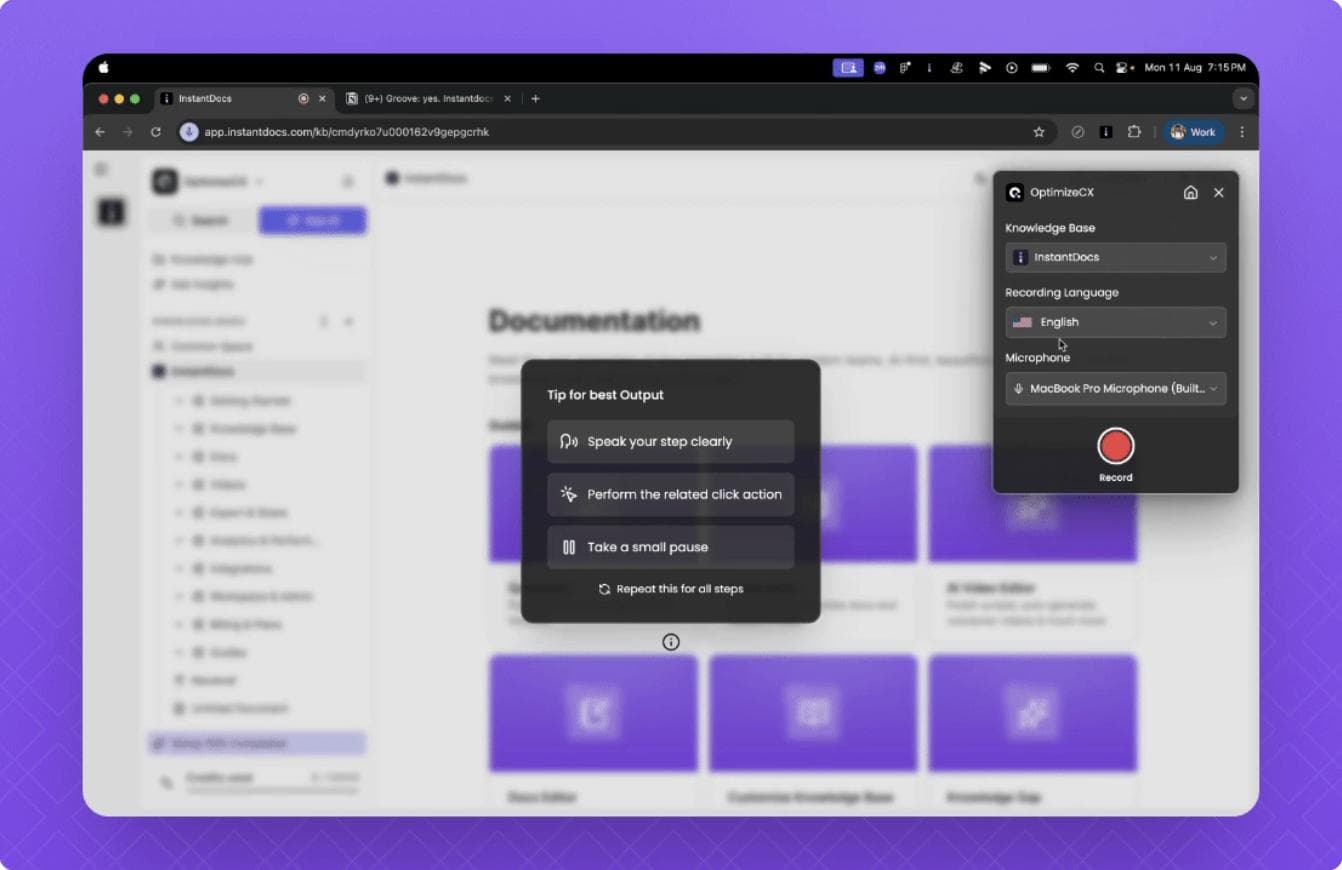
Unlike traditional tools that rely heavily on manual input or semi-automated workflows, InstantDocs uses large language model (LLM) technology to interpret entire ticket threads — including customer messages, agent responses, and attached media — and transform them into structured, SEO-optimized documentation.
Ticket-to-Article Features
At the core of InstantDocs is its Ticket-to-Article Automation Engine, which intelligently summarizes support conversations into human-readable how-to guides, FAQs, or troubleshooting documentation. Once a support ticket is resolved, InstantDocs can automatically:
- Parse the ticket content to identify the problem, solution, and any key steps.
- Generate a complete draft article with structured formatting (titles, numbered lists, and optional screenshots or attachments).
- Suggest metadata, tags, and related article links based on context.
- Push the content directly to your internal knowledge base or help center after review.
Teams can also use AI Assist Mode to refine tone, add examples, or convert repetitive support threads into new knowledge articles with a single click.
Ease of Use
InstantDocs is designed with simplicity and automation in mind. The interface mirrors the layout of popular ticketing platforms, making it intuitive for agents. The workflow requires minimal training—users can review, edit, and approve articles in seconds.
Integrations
InstantDocs integrates seamlessly with leading ticketing systems and CRMs including Zendesk, Freshdesk, Intercom, and HubSpot, along with content management platforms like Notion, Confluence, and WordPress. Its open API and Zapier support enable automation between custom back-end systems or data lakes.
Customization
Teams can fully brand and structure their documentation using custom article templates, layouts, and AI tone presets (e.g., “technical,” “friendly,” or “professional”). It also supports custom taxonomies, multilingual output, and article linking rules.
Collaboration
InstantDocs includes a multi-stage editorial workflow — draft, review, approve, and publish — with team tagging, inline commenting, and version tracking. Editors can assign articles to subject matter experts for quick validation before publishing.
Analytics
The built-in analytics suite provides visibility into:
- Article creation trends and AI accuracy.
- Ticket deflection rates after article publication.
- Search term gaps (where customers searched but found no answer).
- Team productivity metrics for documentation generation.
Security
All data is encrypted at rest and in transit. InstantDocs complies with GDPR, SOC 2, and HIPAA (enterprise tier), with SSO, access roles, and audit logs available for enterprise customers.
2. Zendesk Guide
Overview: Zendesk Guide is among the most widely adopted knowledge management platforms, particularly favored for its seamless integration with Zendesk Support.
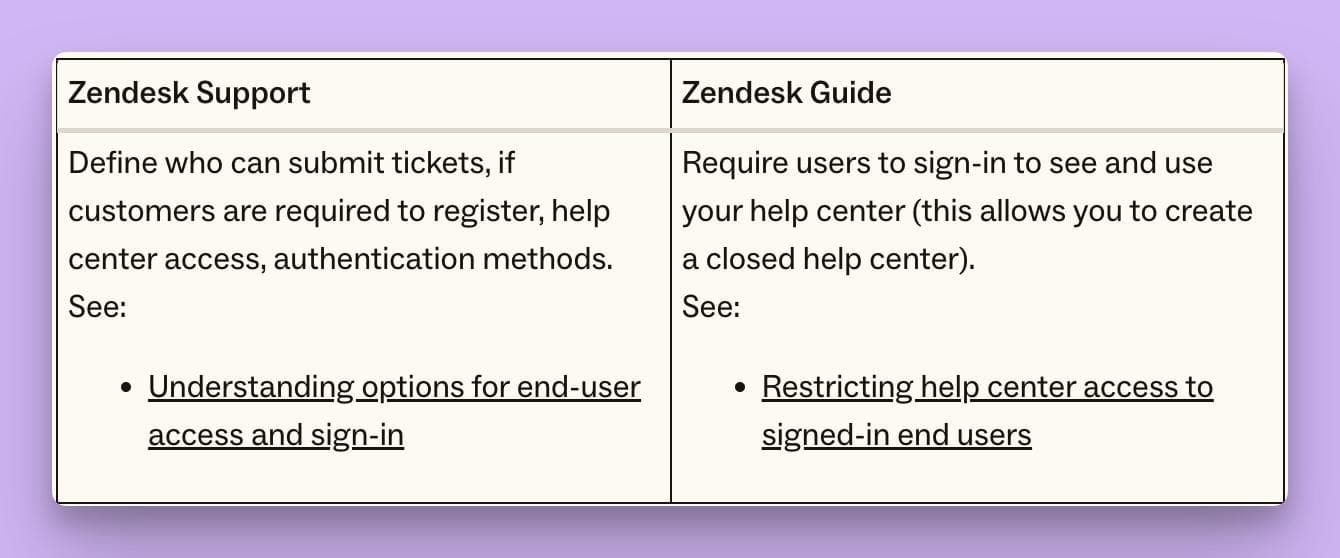
Zendesk’s Answer Bot uses machine learning to suggest relevant help articles for both agents and customers, and its “Knowledge Capture App” lets agents turn ticket resolutions into new or updated articles with minimal manual input.
- Ticket-to-Article Features: The Knowledge Capture App allows agents to flag ticket replies for article creation or update directly from the ticket interface. Answer Bot can also automatically suggest creating content based on common issues identified through ticket analysis.
- Ease of Use: Intuitive interface with in-context prompts.
- Integrations: Natively connects with Zendesk Support, Chat, Talk, and hundreds of third-party tools via the Zendesk Marketplace.
- Customization: WYSIWYG editor, article templates, branding options.
- Collaboration: Multiple user roles, approval workflows, team publishing.
- Analytics: Detailed reports on article usage, ticket deflection, and user feedback.
- Pricing: Starts at $19/agent/month for Suite Team, with more advanced features in higher tiers.
- Security: SOC 2, ISO 27001, GDPR-compliant, SSO, granular permissions.
Limitations: Advanced AI and analytics require higher-tier subscriptions. Some custom workflows may need scripting or additional apps.
3. Freshdesk Knowledge Base
Overview: Freshdesk, a product by Freshworks, offers a tightly integrated ticketing system and knowledge base.
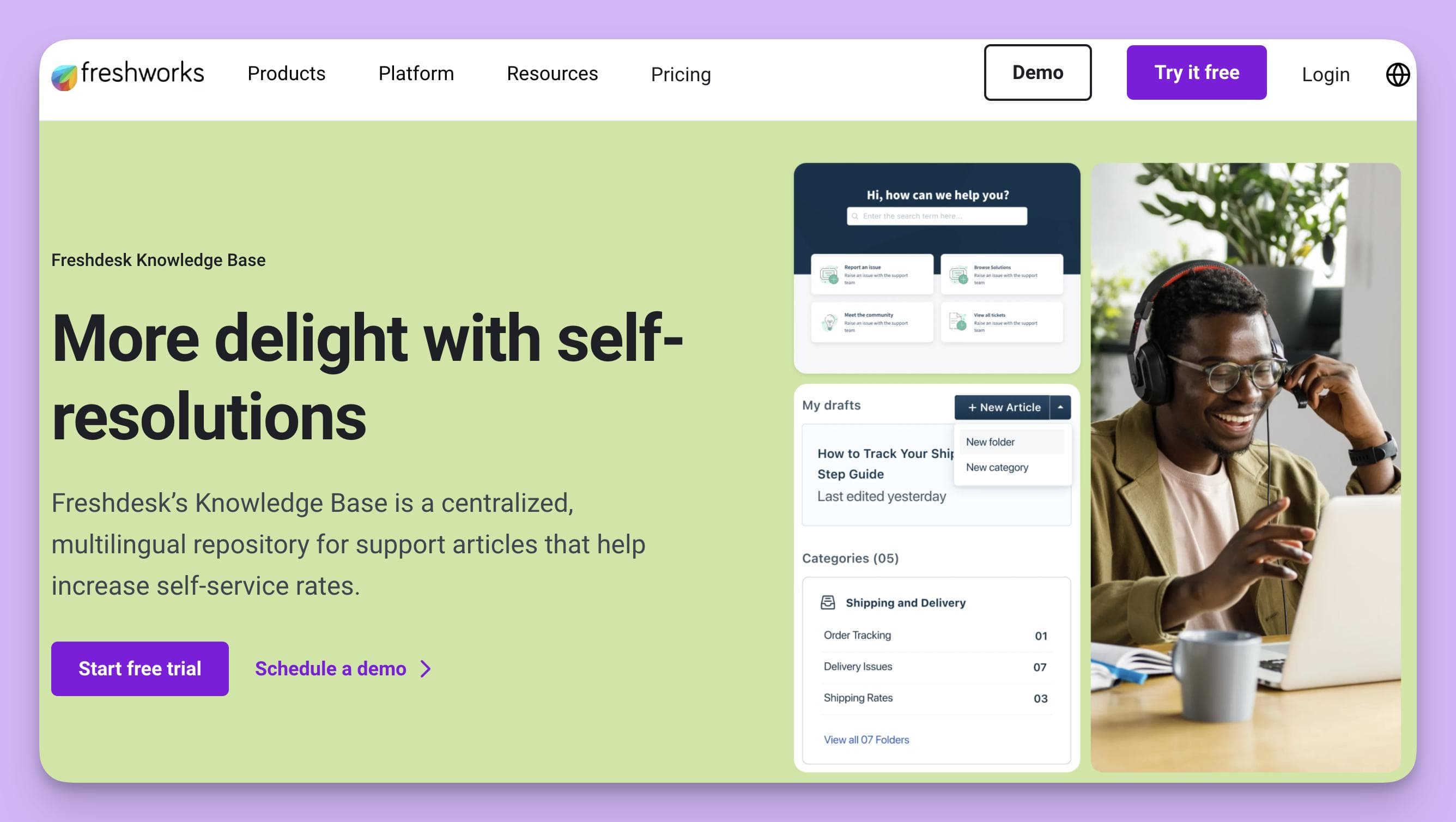
The system emphasizes smart automation for knowledge capture and includes bots that can propose converting tickets into self-service articles.
- Ticket-to-Article Features: Agents can convert ticket resolutions directly into knowledge base articles using AI-powered suggestions and collaboration tools. The platform uses Freddy AI to prompt agents with article creation opportunities based on recurring issues.
- Ease of Use: Clean, user-friendly interface for both agents and end users.
- Integrations: Connects natively to Freshdesk Support Desk, plus CRMs, messaging tools, and automations via Freshworks Marketplace.
- Customization: Custom article templates, branding, hierarchical organization.
- Collaboration: Draft review processes, team editing, and publishing controls.
- Analytics: Insightful dashboards on article impact, deflection rates, and feedback.
- Pricing: Plans start at $18/agent/month; top features require higher tiers or add-ons.
- Security: ISO 27001, GDPR-compliant, access roles, data residency options.
Limitations: Some advanced AI or automation features are locked behind higher subscription levels or licensed separately.
4. Salesforce Knowledge
Overview: Salesforce Knowledge is embedded within the Salesforce Service Cloud ecosystem and is ideal for organizations already invested in the Salesforce suite.
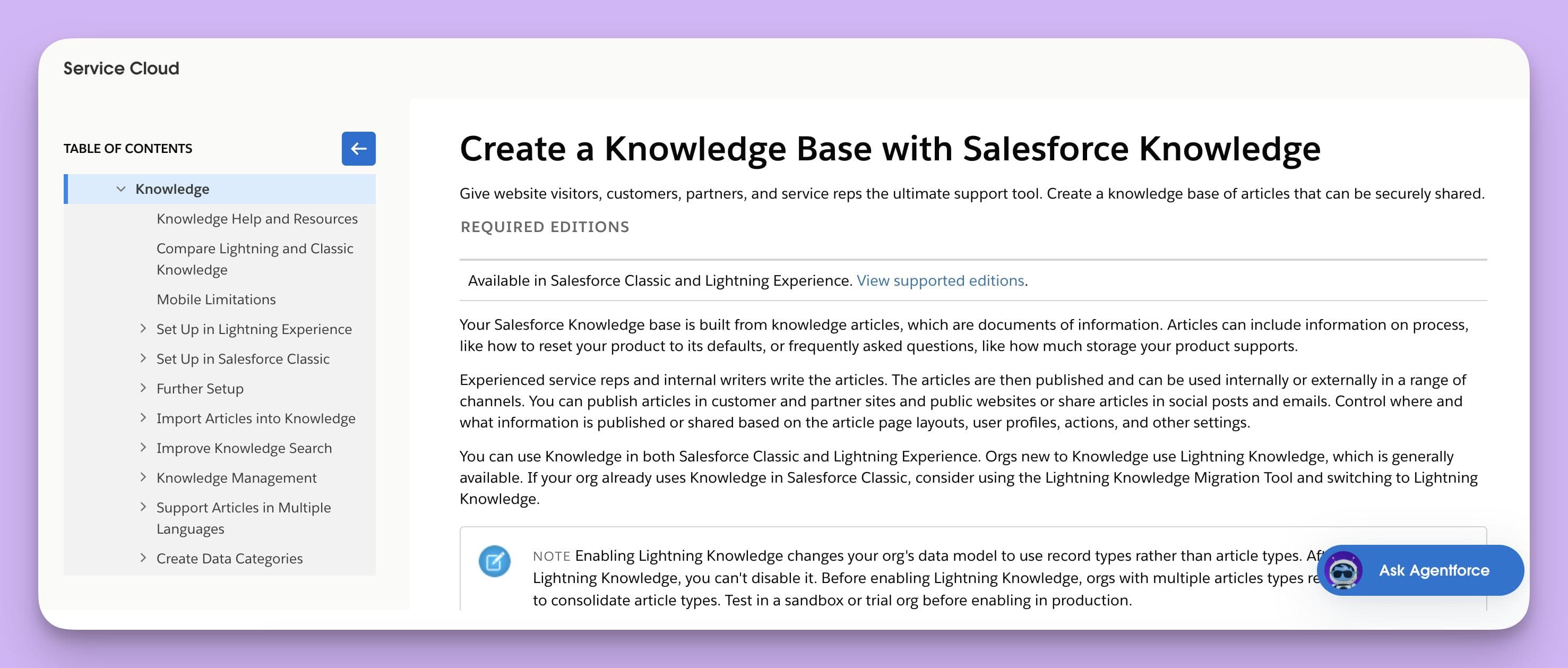
Its powerful automation tools enable seamless conversion of case (ticket) solutions into articles, with robust approval workflows and AI assistance.
- Ticket-to-Article Features: Cases can be flagged and converted into draft articles. Salesforce Einstein AI surfaces common case topics and can suggest auto-generating content for review before publishing.
- Ease of Use: Familiar user experience for Salesforce customers; potentially steep learning curve for newcomers.
- Integrations: Native to Salesforce platform, with connectors for external applications (email, chat, legacy systems, etc.).
- Customization: Highly customizable layouts, article types, and review processes.
- Collaboration: Multi-stage approval, versioning, and role-based contributions.
- Analytics: Rich analytics on knowledge usage, search performance, and customer engagement via Salesforce Reports.
- Pricing: Starts at $75/user/month (Service Cloud); Knowledge add-on may have additional costs.
- Security: Enterprise-grade security and compliance, including HIPAA, SOC, and GDPR.
Limitations: Higher cost and complexity; requires Salesforce Service Cloud licensing. Advanced features are best leveraged by organizations already using Salesforce CRM.
5. Help Scout Docs
Overview: Help Scout is a popular customer support platform focused on SMBs and growing teams.
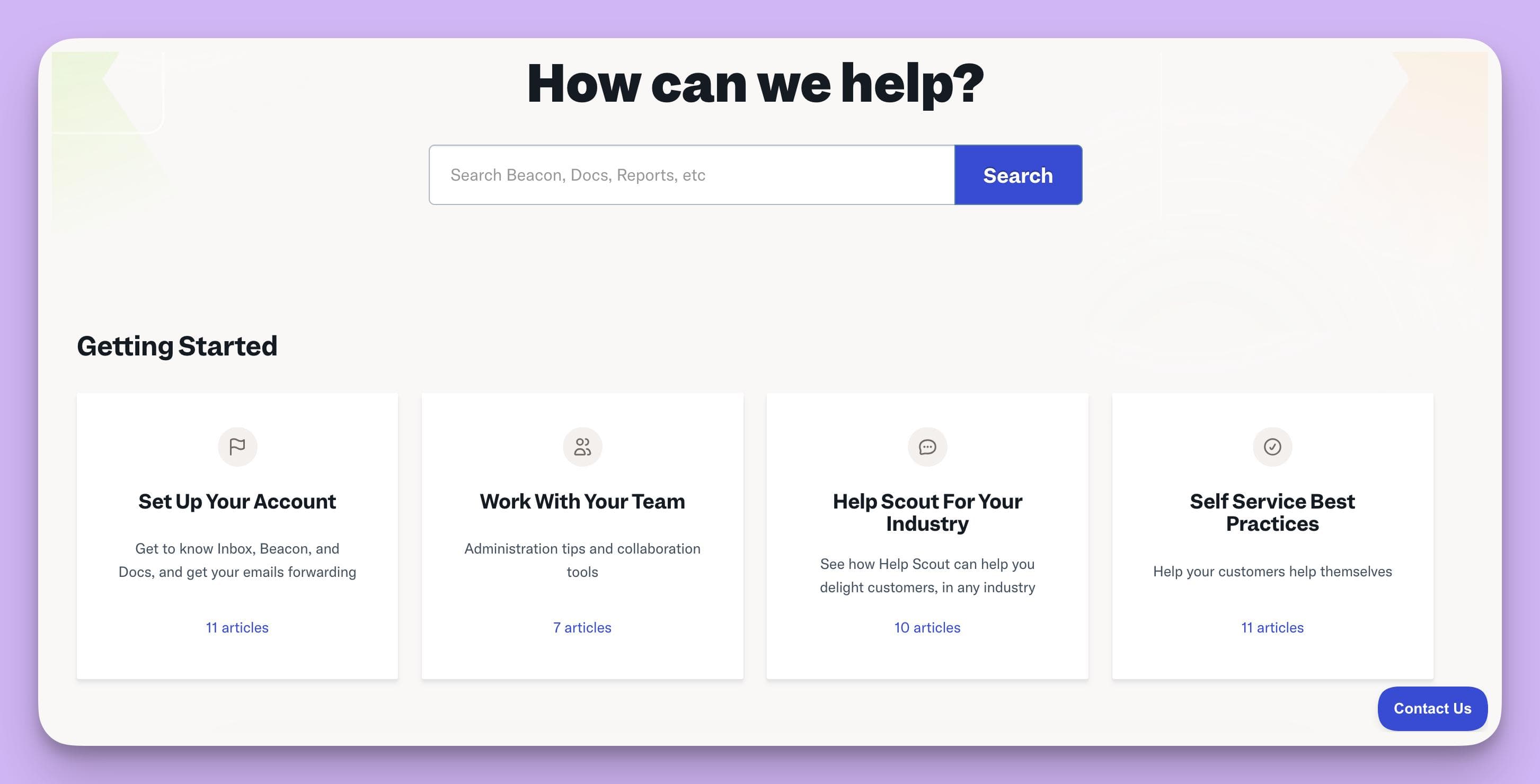
Its Docs feature allows agents to easily create, update, and publish knowledge articles from ticket threads, streamlining knowledge base maintenance with built-in collaboration tools.
- Ticket-to-Article Features: One-click conversion of ticket responses to draft articles. Agents can pull content and edit it before publishing to Docs. Promotes knowledge sharing within support workflows.
- Ease of Use: Extremely user-friendly interface for both staff and customers.
- Integrations: Integrates with Help Scout Mailbox, Beacon (chat), dozens of CRM and marketing tools.
- Customization: Simple custom branding, navigation, and search features.
- Collaboration: Multiple users can draft, edit, and review articles before publishing.
- Analytics: Basic article performance metrics, search analytics, and feedback scores.
- Pricing: Starts at $20/user/month with Docs included; higher tiers offer more features.
- Security: GDPR, SOC 2, and Privacy Shield compliant; role-based access.
Limitations: Less advanced AI or automation than enterprise competitors; analytics are less granular.
6. Intercom Articles
Overview: Intercom is well-known for its conversational support and customer engagement tools.
Its Articles (formerly Educate) module allows teams to build robust knowledge bases and leverages its AI and Messenger platform to turn ticket responses into articles.
- Ticket-to-Article Features: Intercom’s AI assistant and support agents can suggest creating articles from recurring questions or conversations. One-click drafting from Messenger or Inbox makes knowledge capture fast and seamless.
- Ease of Use: Modern, attractive interface with drag-and-drop article management.
- Integrations: Deep integration with Intercom chat, product tours, and apps from Intercom App Store.
- Customization: Custom themes, styles, and article organization.
- Collaboration: Team editing, draft approvals, and feedback loops.
- Analytics: Real-time engagement data, search reporting, reader feedback.
- Pricing: Knowledge base features often bundled with higher-priced Intercom support plans; typically begins at $74/month.
- Security: SOC 2, GDPR, SSO, permission settings for article editing and publishing.
Limitations: Advanced AI and automation typically require premium plans. Not as customizable as some enterprise competitors for complex use cases.
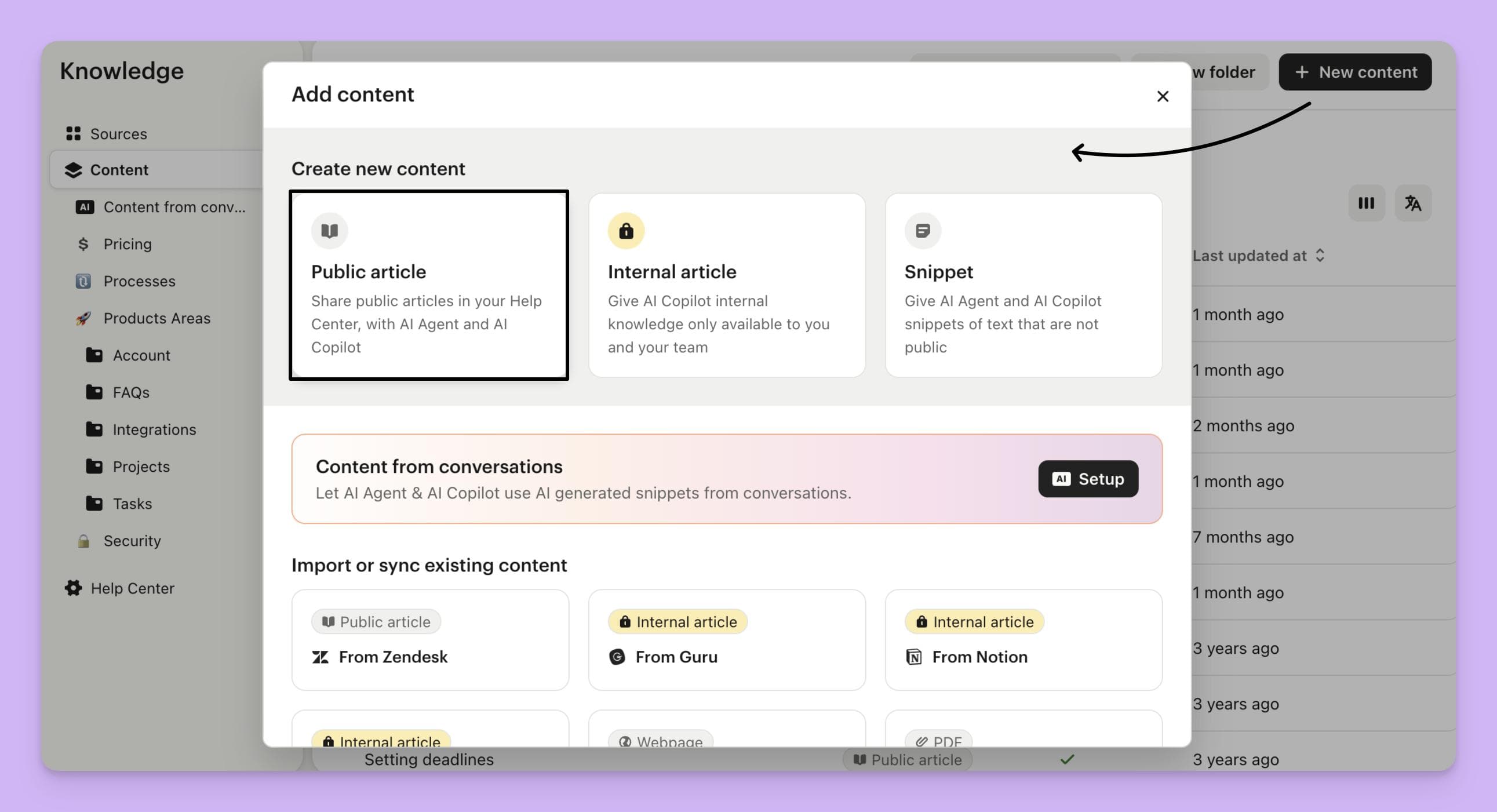
7. Guru
Overview: Guru is a knowledge management platform designed for fast-growing teams with a focus on AI-driven knowledge capture across workflows.
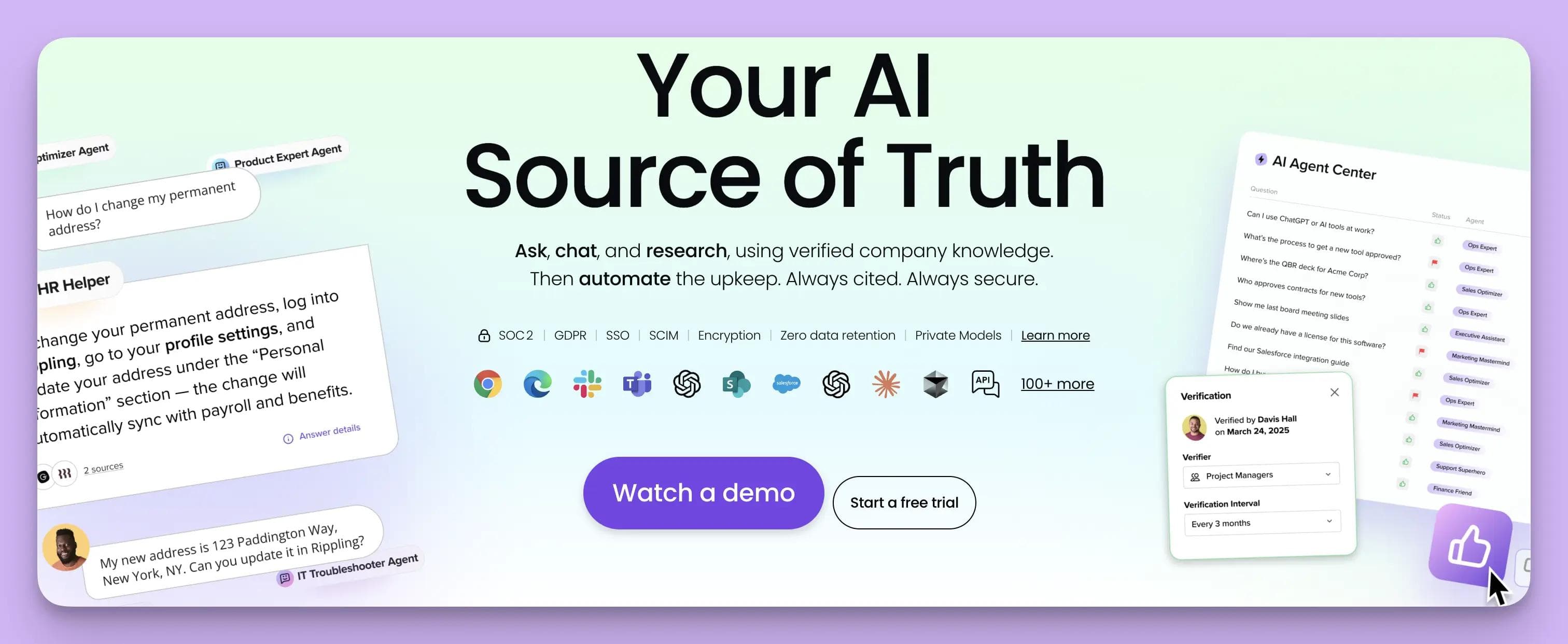
Guru integrates with ticket systems to suggest content creation based on support interactions and feedback.
- Ticket-to-Article Features: Guru’s AI surfaces common support solutions in ticketing systems like Zendesk and Freshdesk, prompting agents to create, update, or validate knowledge cards. Slack and browser extensions bring ticket highlights directly into knowledge workflows.
- Ease of Use: Card-based knowledge management, chrome extension, and Slack integration for easy access.
- Integrations: Wide array including Zendesk, Salesforce, Slack, Microsoft Teams, and more.
- Customization: Custom collections, tags, and verification workflows ensure relevance and trust.
- Collaboration: Knowledge verification, assignment, and collaborative updates with robust analytics.
- Analytics: Adoption tracking, knowledge gaps, usage statistics, feedback loops.
- Pricing: Starts at $6/user/month, with advanced analytics and AI features in higher tiers.
- Security: SOC 2 Type II, SSO, SCIM, GDPR-compliant.
Limitations: Card-system is different from traditional long-form articles; may require culture shift for teams used to classic documentation.
8. Document360
Overview: Document360 is an advanced knowledge base software targeted at SaaS companies and software developers.
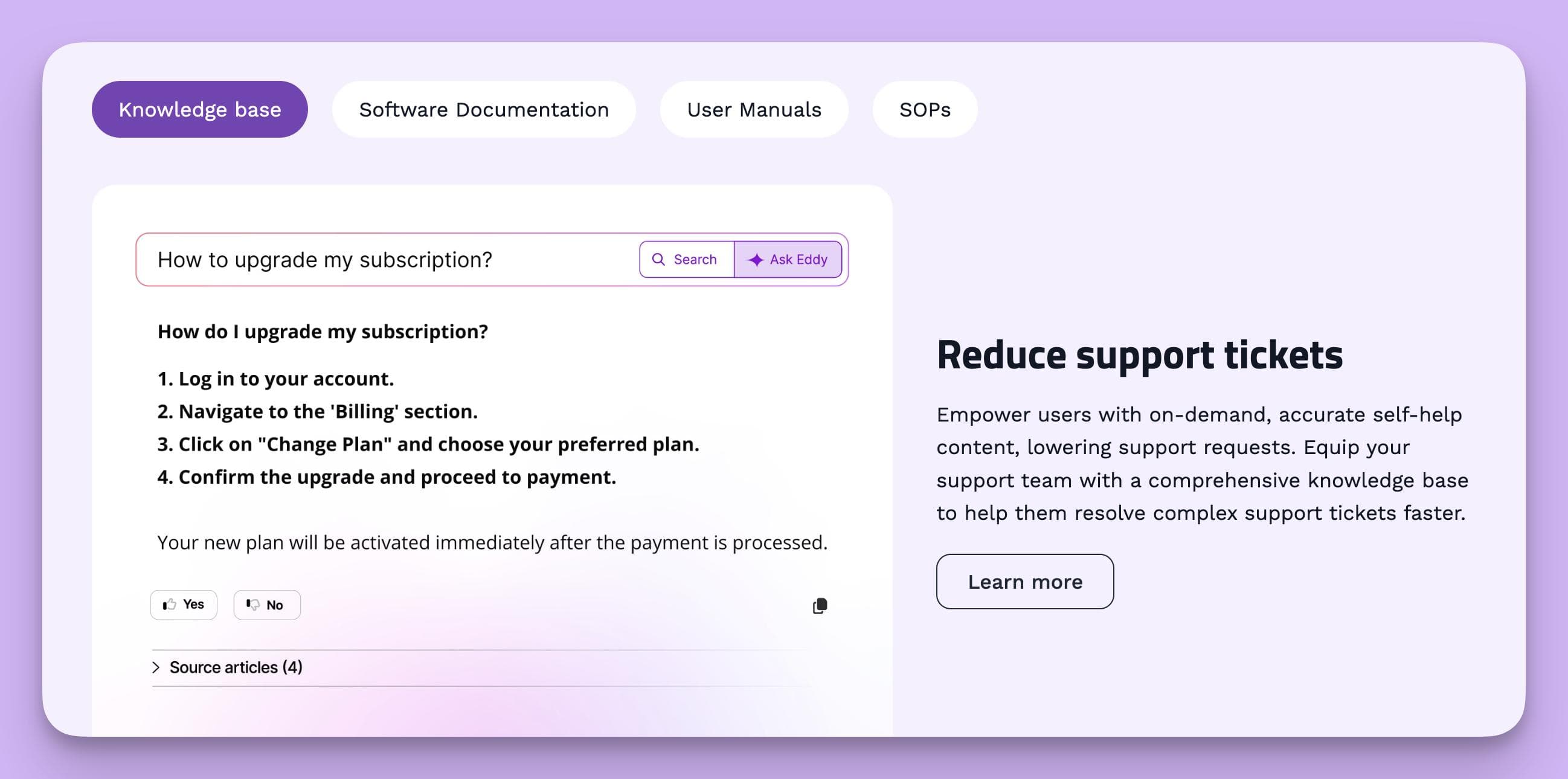
It supports bulk conversion of resolved tickets into structured documentation via integrations and an API, alongside advanced authoring and analytics features.
- Ticket-to-Article Features: Integrates with support tools (Zendesk, Freshdesk, others) to pull ticket resolutions for quick article drafting. Offers APIs for deeper automation and custom workflows to identify repeat issues and convert them into standardized docs.
- Ease of Use: Powerful markdown editor, version controls, customizable templates, and content hierarchy.
- Integrations: Out-of-the-box integrations with major ticketing and collaboration tools, plus RESTful APIs.
- Customization: Extensive theme, layout, and localization options for multilingual documentation.
- Collaboration: Multi-author editing, review and approval workflows, granular access controls.
- Analytics: Detailed analytics for article usage, search trends, and team performance.
- Pricing: Starts at $149/project/month; robust feature set for enterprise needs.
- Security: SSO, GDPR-compliant, IP restriction, role management.
Limitations: Higher starting price point; some advanced integrations require API or enterprise plans.
Other Noteworthy Solutions
- Confluence by Atlassian: Popular enterprise wiki with templates and Jira/Service Desk integration. While not fully automated, agents can link or export Jira tickets as Knowledge Base entries. Advanced automations may require plugins.
- Zoho Desk: Includes a robust knowledge base. Agents can easily turn ticket responses into FAQ or KB articles—AI prompts are improving in 2024.
- Kayako: Support suite allowing ticket-to-article creation inside its omnichannel platform, best for SMBs wanting simplicity.
- HappyFox: Integrated customer support platform with easy ticket-to-KB article conversion, and workflows for approval and feedback.
- LiveAgent: Affordable platform with manual article creation from tickets, good for smaller teams.
Most modern knowledge management platforms—especially those with robust APIs—are moving rapidly to include or enhance AI-powered ticket-to-article automation, often relying on advanced algorithms to parse, summarize, and structure support conversations.
Trends and Innovations in Ticket-to-Article Conversion
The landscape of knowledge management software is rapidly evolving as organizations aim to extract the most value from every customer interaction. Here are the leading trends driving innovation this year:
- AI-Driven Summarization: Modern platforms leverage natural language processing (NLP) to summarize ticket content, propose article titles, and draft initial content autonomously.
- Context-Aware Recommendations: Integrations with support and CRM platforms fuel real-time prompts for article creation when ticket patterns are detected.
- Multimedia Knowledge Capture: Solutions increasingly allow conversion of tickets into articles featuring screenshots, videos, and annotated flows, supporting richer self-service materials.
- Workflow Automation: Approval routing, tagging, and user feedback collection are being automated to keep knowledge bases up to date with minimal manual effort.
- Multilingual and Localization Features: More platforms support seamless article translation and localization, expanding access in global organizations.
How to Choose the Right Knowledge Base Software for Your Team
With a growing number of options, selecting the best-fit knowledge base platform for your organization requires a focused approach. Here are actionable steps and considerations:
- Map Your Support Workflow: Identify where support tickets are resolved and how knowledge is currently captured or lost. The tighter the integration, the less friction for agents and higher the ROI.
- Evaluate AI and Automation Needs: If your support team is overwhelmed with repetitive tickets, prioritize platforms with strong AI-driven ticket-to-article features.
- Assess Collaboration and Governance: Multi-layered approval and editing workflows ensure knowledge is accurate. Choose platforms robust enough for your quality control requirements.
- Check Customization and Brand Alignment: A customizable knowledge base blends into your website and maintains a consistent brand tone.
- Analyze Analytics: Robust reporting on article use, gaps, and ticket deflection will inform content strategy and measure ROI.
- Consider Security, Compliance, and Scalability: Regulated industries must meet strict standards. Always review compliance and future scalability.
Ultimately, involve both customer support and IT stakeholders in pilot testing the platforms on your shortlist. Vendor demos, trials, and customer references are also critical steps to inform a final decision.
Common Pitfalls and Best Practices
While ticket-to-article conversion delivers powerful benefits, success depends on following best practices and avoiding common traps:
- Quality Over Quantity: Avoid flooding your knowledge base with unedited or low-quality articles. Editorial review and periodic pruning are essential.
- Continuous Feedback Loops: Encourage users and agents to flag unclear or outdated articles for revision.
- Clear Taxonomy and Organization: Organize articles in intuitive categories with relevant tags for ease of discovery.
- Champion Ownership: Assign team owners for core content areas to ensure accountability and ongoing relevance.
- Balance Automation with Human Judgement: AI and automation can draft and suggest articles, but expert review ensures accuracy and context-specific advice.
Knowledge bases must be living documents—review analytics regularly, sunset obsolete articles, and cultivate a company-wide culture of knowledge sharing.
Future Outlook: What’s Next for Knowledge Base Automation?
Looking ahead, expect ticket-to-article workflows to become even more intelligent and frictionless. Artificial intelligence will increasingly handle summarization, categorization, and contextual linking, while large language models continue to improve at accurately drafting actionable articles from natural language dialogues. Knowledge management platforms will further blur the lines between documentation, communication, and collaboration, integrating more tightly with business intelligence and analytics tools.
Key areas to watch over the next few years:
- Conversational AI generating interactive, guided help instead of static articles
- Automatic multilingual content creation powered by AI translation and localization
- Deeper cross-channel analysis (tickets, chat, social) for holistic topic detection
- Integration with employee onboarding, training, and product development workflows
Continuous innovation is coming as customer and employee expectations for self-service knowledge grow ever higher.
Get Started With Instantdocs Today
InstantDocs automates the conversion of support tickets into knowledge base articles with unparalleled precision and speed.
Using advanced AI, it reads entire ticket conversations, identifies key insights, and generates polished, structured documentation ready for review or publishing.
Compared to other platforms like Zendesk or Document360, InstantDocs delivers deeper automation, smarter context understanding, and faster publishing workflows — all without sacrificing editorial control.
It’s the go-to solution for teams that want to scale their knowledge base, reduce repetitive ticket handling, and build smarter self-service experiences powered by AI.


Instantly build support docs that delight.
Book a demo